Running a jewelry store requires more than simply processing sales. Jewelry retailers manage high-value inventory, custom orders, repairs, customer relationships, and detailed product information every day. Unlike general retail businesses, jewelry stores need a POS system that can accurately track valuable items while providing an exceptional customer experience.
The economics of jewelry retail make this decision critical. A typical independent jewelry store generates $1.5M–$2.9M in annual revenue on inventory that turns over just 1–2 times per year — meaning six months to a full year of stock is sitting in cases at any moment, tying up capital at every point. Gross margins run 40–60%, but services like repairs and resizing (5–10% of revenue) are among the most profitable lines in the store. And with Q4 delivering 30–40% of annual sales, a checkout failure or inventory error during the holiday season is dramatically more expensive than in any other retail category.
Whether you operate a single jewelry boutique or a multi-location jewelry chain, choosing the right POS system can improve inventory accuracy, increase sales efficiency, and support business growth. In this guide, we'll explain what makes jewelry POS different, the 8 features that matter most, the hardware each store size needs, and what you should expect to pay in 2026.
1. What Is a Jewelry POS System?
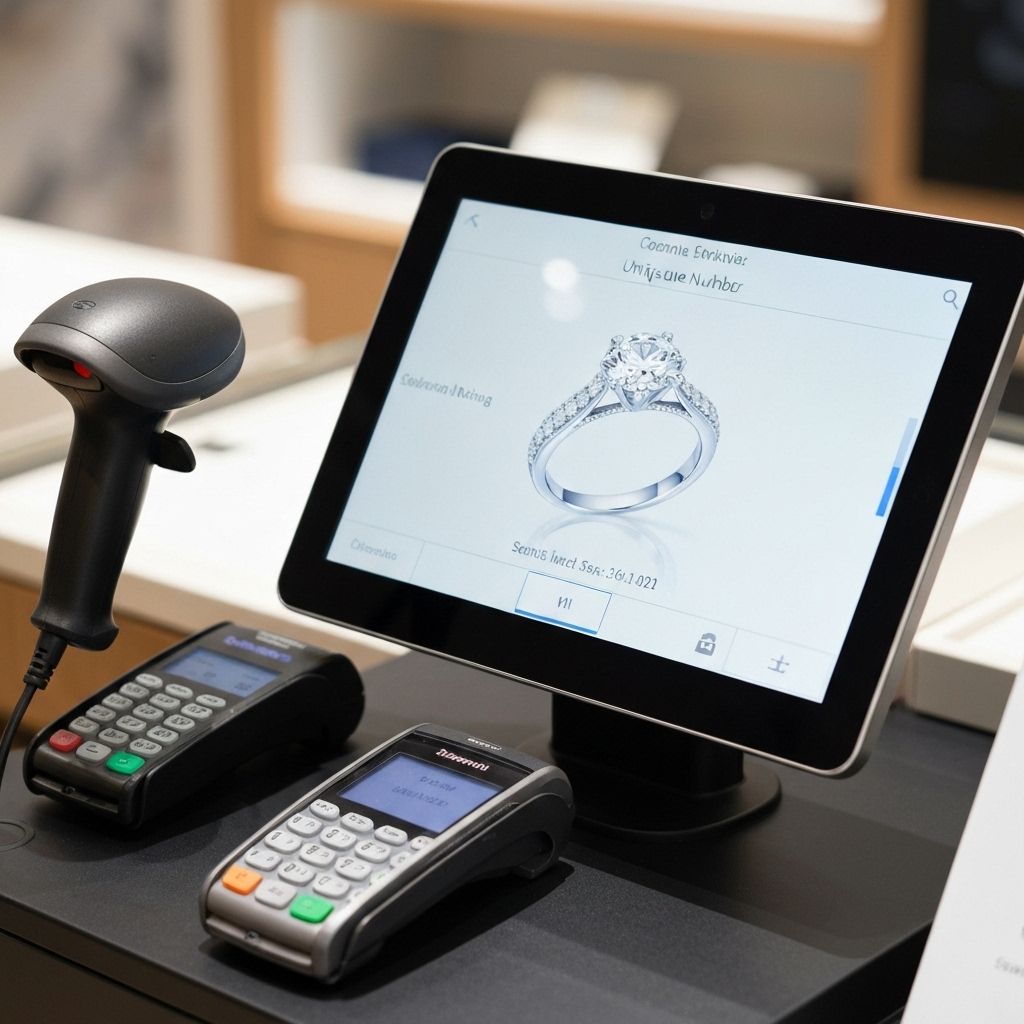
A jewelry POS system is a point-of-sale solution specifically designed for jewelry retailers. In addition to processing transactions, it helps manage:
- Jewelry inventory — serialized, item-level tracking
- Product variations — metal, stone, size, and certification attributes
- Precious metal tracking — weight and live metal pricing
- Repair orders and service tickets
- Customer profiles with purchase and gifting history
- Loyalty programs
- Multi-store operations
- Sales reporting and analytics
The key word is specialized. A grocery POS tracks thousands of identical cans; a jewelry POS tracks hundreds of unique items — every one with a different metal, stone, weight, and certificate. A jewelry POS system combines software and hardware to provide complete retail management built around that one-to-one inventory model.
2. Why Jewelry Stores Can't Use Generic POS Systems
Jewelry inventory is more complex than most retail categories. Each item may have unique characteristics such as:
- Metal type and purity (10K, 14K, 18K gold, platinum, sterling silver)
- Gemstone type, cut, clarity, carat, and certification (GIA, IGI reports)
- Weight in grams — which also drives the price itself
- Ring sizes, chain lengths, and bracelet dimensions
- Serial numbers on watches and certified stones
- Warranty and appraisal information
A single gold ring may carry: 18K gold, 2.5 grams, a diamond center stone with a GIA certificate number, a unique SKU, and warranty terms. A generic POS can hold a SKU and a price — but it cannot track the certificate, the gold weight, or the specific customer who owns the matching insurance appraisal.
Three structural problems make generic systems fail in jewelry:
Problem 1: Serialized, one-of-a-kind inventory
When two rings look nearly identical but differ by 0.3 grams of gold and one grade of clarity, your system must distinguish them — at checkout, during audits, and when a customer returns an item years later. Generic systems count quantity; jewelry requires item-level identity.
Problem 2: High-value, low-turnover stock
Jewelry inventory turns over 1–2 times per year for independents (2–4x for large chains — Signet, the largest US jeweler, runs about 2.1x). Holding costs run 20–25% of inventory value annually. A POS that cannot report aging stock (90/180/270+ days) and slow-mover categories leaves your biggest asset unmanaged.
Problem 3: Service and custom-order workflows
Repairs, resizing, and custom design jobs involve deposits, partial payments, vendor work orders, and pickup notifications. A generic retail POS has no concept of a half-paid repair ticket that's been at the goldsmith for two weeks.
💡 The Margin Reality: Fine jewelry carries 40–70% gross margins and custom work 60–80%, but services (repair, resizing, appraisal) at only 5–10% of revenue are often the most consistent profit contributor. A POS that treats services as an afterthought leaves your most reliable revenue stream untracked.
3. 8 Must-Have Features of the Best Jewelry POS Systems
1. Serialized Inventory Management
The foundation of jewelry POS. The system should track every piece as an individual record — SKU, serial number, metal, stone specs, weight, cost, and images — with support for rings, necklaces, earrings, bracelets, watches, and custom pieces. Look for gemstone attribute fields (cut, color, clarity, carat), certificate number storage, and photo attachment on every item. When a piece sells, the exact record retires — not just a quantity counter.
2. Barcode and Jewelry Tag Printing
Jewelry barcodes live on small tags attached to each piece. Your POS should print these tags — with SKU, price, and metal/stone summary — and scan them for checkout, receiving, transfers, and full-store audits. The payoff: a physical count that once took two days with pen and paper becomes a 2-hour scan with variance reports generated automatically.
3. Customer Relationship Management (CRM)
Jewelry is a relationship business — engagement rings lead to wedding bands, anniversaries, and children's gifts. The POS should store purchase history, preferences, sizes, and key dates, and surface them at checkout. Anniversary reminders and wish-list tracking turn one-time buyers into lifetime customers. Top-performing stores use purchase history to drive personal outreach that no generic retailer can match.
4. Repair and Service Tracking
Full repair workflow management: intake with photos and condition documentation, deposit collection, status tracking (received → in progress → at vendor → quality check → ready for pickup), customer notifications, and complete service history per customer. This single feature is why many jewelers switch from generic POS — repair tickets on paper notes are a lost-item lawsuit waiting to happen.
5. Custom Order and Layaway Management
Custom design jobs need milestone payments and vendor/bench tracking; layaway and special orders need deposit records, balance tracking, and payment schedules. The best systems handle split payments (deposit in store, balance on pickup) and store credit cleanly — high-ticket retail requires payment flexibility that generic POS doesn't model.
6. Multi-Store and Transfer Management
For growing businesses: centralized inventory across locations, inter-store stock transfers with chain-of-custody records, consolidated reporting, and location-level performance. When a customer saw a piece in your north store, your south store should find it in seconds — and transfer it with a paper trail.
7. Sales Reporting and Analytics
Reports that matter to jewelers: best-sellers and dead stock (aging inventory by category), sales by staff and commission, margin by product line (fine vs. fashion vs. custom vs. service), inventory turnover, and Q4 seasonal planning. With 30–40% of revenue concentrated in the holiday quarter, year-over-year seasonal comparisons are essential for buying decisions.
8. Payment Security and High-Ticket Processing
Average transaction values in jewelry dwarf general retail, so payment handling matters more: EMV and NFC contactless support, split and partial payments, deposits without overcharging, and PCI-compliant processing. Verify your hardware supports certified payment applications on the exact terminal model you buy — payment certification is per hardware-software combination.
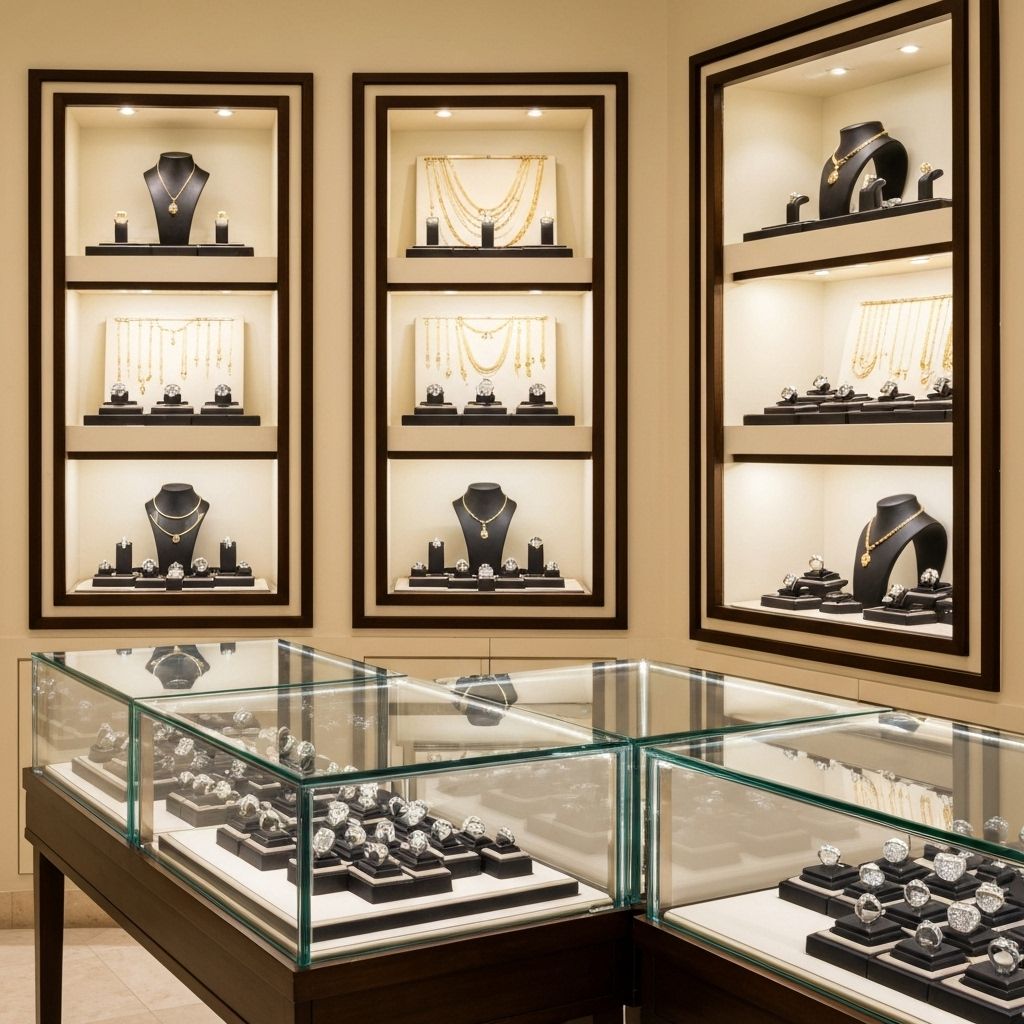
4. Recommended POS Hardware for Jewelry Stores
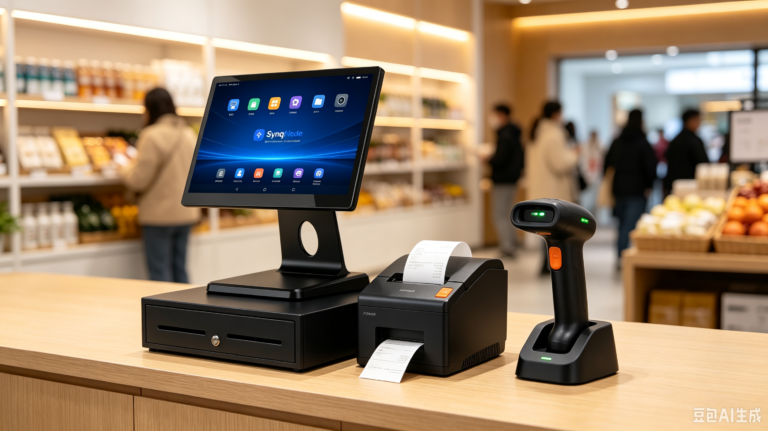
Software alone is not enough — jewelry POS software is only as reliable as the hardware running it. Here is the hardware stack for a jewelry store, and why each piece matters for this specific vertical.
| Hardware | Role in a Jewelry Store | What to Look For |
|---|---|---|
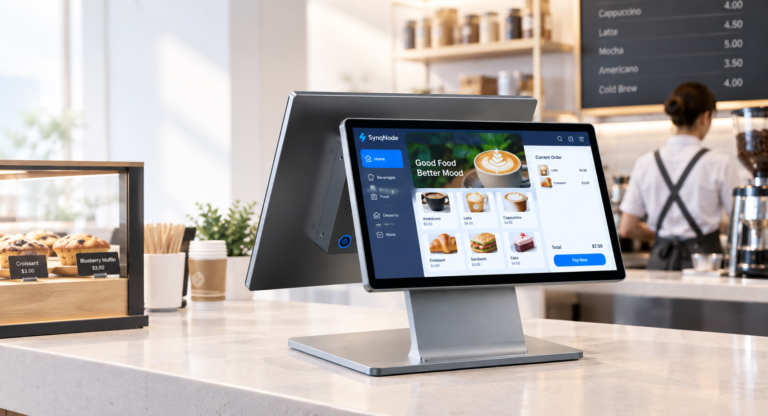
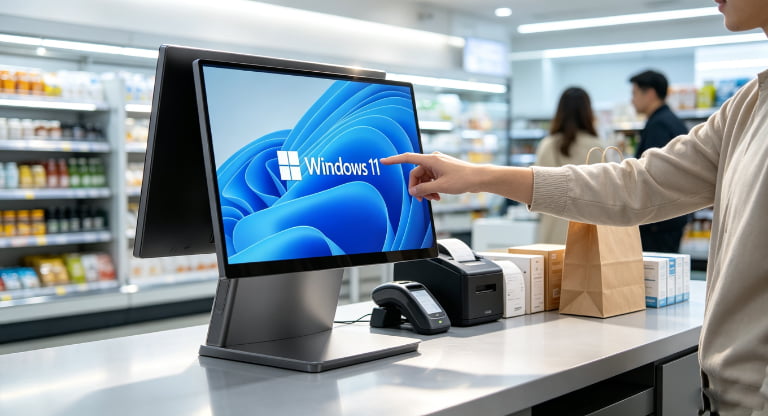
| Countertop POS Terminal | Primary checkout: product lookup, sales, inventory management, repair intake | 15"–15.6" touchscreen, Android 13+ or Windows, EMV/NFC reader support |
| POS Tablet System | Boutique stores, small showrooms, mobile sales events (trunk shows, exhibitions) | 10.1" commercial tablet with charging dock; magnetic dock preferred |
| Handheld POS Terminal | Case-side selling and full-store inventory audits without carrying items to the counter | Professional 2D scanner, all-shift battery, Android with your POS app |
| Barcode Scanner | Checkout speed, product lookup, receiving, and stock counts | 2D imager (reads small jewelry tag codes reliably) |
| Customer Display | Transparency at checkout — item details, totals, QR payment codes | Dual-screen terminal or separate 8"–10" display |
| Receipt Printer | Sales receipts, repair tickets, deposit records, return documentation | 80mm thermal, ESC/POS compatible |
Why Android POS terminals fit jewelry stores
Android POS terminals are increasingly popular for jewelry because they are affordable, fast to deploy, and run modern cloud POS apps. For a boutique, a single Android all-in-one terminal with built-in customer display, NFC payment, and printer connection covers the entire front counter for $200–$700 — versus $1,500+ for a legacy Windows POS stack. Multi-store chains standardize on one Android model fleet-wide: one software image, one training program, one spare-parts inventory.
The underrated pick: a handheld terminal for case-side selling
A tablet stays on the counter; a handheld goes to the case. Staff can scan a piece inside a locked display case, pull up full details and photos for the customer on the spot, and check other sizes or similar pieces in other stores — without ever unlocking the case or walking the item to the counter. The same device runs full-store inventory audits (scan every piece in the cases in hours, not days). For high-value inventory, this combination of customer experience and audit speed pays for itself in the first year.
5. Jewelry POS System vs Traditional Cash Register
| Capability | Jewelry POS System | Traditional Cash Register |
|---|---|---|
| Item-level inventory tracking | Serialized, attribute-rich records | None |
| Customer database & purchase history | Full CRM with reminders | No |
| Repair & custom order tracking | Complete workflow with deposits | Paper tickets |
| Layaway & split payments | Supported natively | Manual records |
| Barcode support | Tags, checkout, audits | Limited or none |
| Reporting | Margins, aging stock, staff, seasonality | Daily total only |
| Multi-store management | Centralized with transfers | No |
| Typical annual shrinkage impact | Reduced via audit discipline | Untracked losses |
Modern jewelry retailers require more than simple cash handling. A register records that money changed hands; a jewelry POS records which exact piece changed hands, to whom, for how much margin, and whether a matching item should be reordered. In a business where inventory is the largest asset, that difference determines whether you actually know your business.
6. Benefits of a Jewelry POS System
Better inventory control
Every piece tracked by serial number, with photos and attributes. Full-store counts become routine scans instead of annual ordeals, and discrepancies surface immediately — critical when single items carry four-figure values.
Faster checkout for high-touch sales
Barcode scanning plus instant product lookup means the sale closes while the customer's emotional engagement is highest. Gift wrap, discounts, and multi-tender payments process without breaking the moment.
Improved customer service
Purchase history, sizes, and anniversary dates at the point of sale. When a customer returns for a matching band two years later, staff who can recall the original purchase instantly close sales that walk-in competitors can't.
Reduced inventory loss
Accurate, frequent cycle counts plus serialized tracking deter internal shrinkage and make external claims verifiable. High-value retail lives and dies by inventory integrity.
Data-driven buying decisions
Aging stock reports and category turnover data tell you what to reorder and what to markdown — before slow movers consume another year of carrying costs. With 20–25% annual holding costs, cutting six months of dead stock from a $500,000 inventory is worth $25,000+ per year.
Easier multi-location growth
Cloud-based systems add a store as a login, not a server installation. Consistent hardware and centralized inventory make the second and fifth store operate like the first.

7. Typical Hardware Setup by Store Size
Single boutique ($1M–$2M revenue)
- 1× Android all-in-one POS terminal (15", built-in customer display)
- 1× 80mm thermal receipt printer
- 1× 2D barcode scanner
- 1× handheld POS terminal for case-side selling and audits
- Cloud POS software with jewelry inventory module
Standard store with repair services
- 2× POS terminals — front counter + repair intake desk
- 1× label/tag printer for jewelry tags
- 1× handheld terminal for receiving and stock counts
- Back-office dashboard for buying and vendor management
Multi-location chain
- Standardized terminal fleet across all stores (one model, one image)
- Cloud-based inventory synchronization with inter-store transfers
- Consolidated reporting with location-level P&L
- Centralized device management (MDM) for remote app updates
8. How Much Does a Jewelry POS System Cost?
Costs vary depending on hardware and software requirements. Typical hardware investment per checkout station:
| Hardware | Estimated Cost |
|---|---|
| Android all-in-one POS terminal | $200–$700 |
| POS tablet system with dock | $150–$500 |
| Handheld POS terminal | $250–$600 |
| 2D barcode scanner | $30–$200 |
| Customer display (if not built-in) | $80–$300 |
| Receipt printer (80mm) | $50–$250 |
Beyond hardware, budget for: jewelry POS software subscriptions (typically $100–$300/month per store for jewelry-specialized platforms), payment processing fees (2–3% of card volume — negotiate rates for high average tickets), and setup/data migration. A complete single-store hardware refresh typically lands between $800 and $2,500 — a fraction of one month's inventory carrying cost.
💡 Cost Tip: Choosing reliable commercial-grade hardware from a manufacturer with stable model supply reduces long-term maintenance and replacement costs. Buying the same terminal model for every location also collapses training and spare-parts costs as you grow.
9. Jewelry POS Selection Checklist
- ☐ Serialized, item-level inventory with gemstone attribute fields and photos
- ☐ Jewelry tag/barcode printing and 2D scanning
- ☐ Repair workflow: intake photos, deposits, status tracking, notifications
- ☐ Custom order and layaway payment schedules
- ☐ CRM with purchase history, sizes, and anniversary reminders
- ☐ Aging inventory and margin-by-category reports
- ☐ Multi-store transfers with chain of custody (if expanding)
- ☐ Hardware: terminal certified for your payment application, 2D scanner, 80mm printer
- ☐ Consider a handheld terminal for case-side selling and fast audits
- ☐ Data migration plan for existing inventory and customer records
10. FAQ: Jewelry POS Systems
What is the best POS system for jewelry stores?
The best jewelry POS system combines serialized inventory management, repair tracking, CRM, and reliable POS hardware. Evaluate jewelry-specialized software first — generic retail POS cannot model certificates, metal weights, or repair workflows. Pair it with commercial-grade Android terminals, a 2D scanner, and an 80mm receipt printer.
Do jewelry stores need barcode scanners?
Yes. Barcode scanners improve inventory accuracy and speed up checkout, but they matter even more for audits: with serialized tags on every piece, a full-store count becomes a scanning session of a few hours instead of a multi-day manual count — with automatic variance reports.
Is Android POS suitable for jewelry stores?
Yes. Android POS terminals provide flexibility, affordability, and modern retail functionality. They run today's cloud jewelry POS apps, cost significantly less than legacy Windows stacks, and standardize easily across multiple locations. Verify your chosen jewelry software supports Android before purchasing hardware.
Can a jewelry POS system manage multiple stores?
Most modern cloud-based jewelry POS systems support multi-location management — centralized inventory, inter-store transfers, and consolidated reporting. Standardize on one hardware model across locations to simplify training, spares, and software management.
How does a jewelry POS handle repairs and custom orders?
Dedicated repair modules manage the full lifecycle: intake with photos, deposit collection, status tracking (in progress, at vendor, ready for pickup), customer notifications, and service history on the customer profile. Custom orders add milestone payments and vendor tracking. Never run repairs on paper tickets with high-value items.
What's the biggest ROI of switching from a cash register to a jewelry POS?
Inventory control. Jewelry turns 1–2 times per year with 20–25% annual holding costs. A POS that surfaces aging stock, speeds full-store audits from days to hours, and cuts shrinkage typically pays for itself within the first year through better buying decisions alone — before counting faster checkout and repeat-business revenue.
Looking for POS Hardware for Jewelry Stores?
SynqNode manufactures commercial POS hardware for jewelry stores, luxury retailers, watch stores, and POS software companies — Android all-in-one terminals, POS tablets, and handheld terminals with OEM/ODM customization, SDK integration, and logo branding.Discuss Your Jewelry POS Project
📚 Related Reading: How to Choose the Right POS System · How to Choose the Right POS Terminal · Android POS Systems · Handheld POS Terminals · Buyer Guides Hub