A data-driven analysis of the Android POS system market shift — covering market size projections, Windows 10 end-of-life impact, TCO comparison, where each platform wins, the hybrid terminal future, and what ISVs and system integrators should plan for in 2026 and beyond.
Article at a Glance
Market size: Android POS terminal market valued at $15.1B in 2025, projected to reach $25B+ by 2033 | Catalyst: Windows 10 EOL (Oct 2025) and Windows 10 IoT EOL (Oct 2026) forcing hardware refresh | TCO advantage: Android POS hardware $400-700/terminal vs Windows $800+, zero OS licensing fees | Key shift drivers: Cloud-native architecture, touch-first UX, OTA updates, app ecosystem | Where Windows still wins: Legacy software, ERP integration, heavy peripherals, enterprise compliance
1. The Numbers Behind the Android POS Shift
The Android POS system market is no longer a niche. In 2025, the global Android POS terminal market was valued at approximately $15.1 billion, and multiple research firms project it will surpass $25 billion by 2033, driven by a compound annual growth rate (CAGR) of 12-15% across retail, hospitality, and food service verticals. For context, this means Android POS hardware is growing nearly three times faster than the overall POS terminal market, which itself is expanding at 4-6% annually.
Several converging factors explain this acceleration. First, Android accounts for over 44% of global device usage across all platforms as of 2025, according to StatCounter GlobalStats — more than any other operating system. This ubiquity means that when a cashier, a restaurant server, or a retail associate picks up an Android POS terminal, the interface already feels familiar. There is no learning curve. No training overhead. No "how do I use this?" moment.
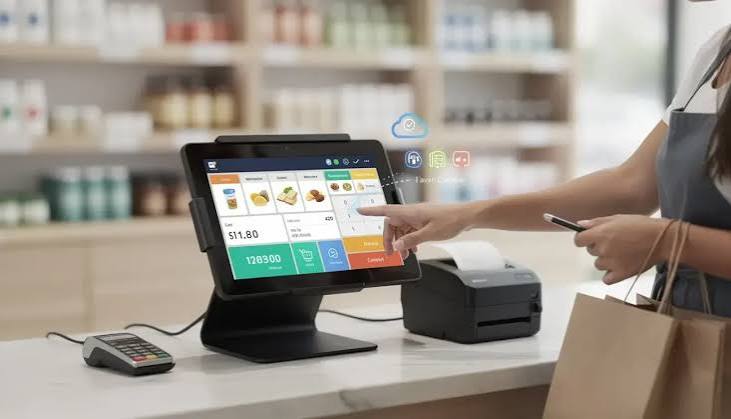
Second, the cost equation has become impossible to ignore. A typical Android POS terminal costs $400 to $700 per unit, including an integrated touchscreen, built-in Wi-Fi and Bluetooth, and often a receipt printer. A comparable Windows POS terminal starts at $800 and frequently exceeds $1,500 when you add the Windows license, higher-spec hardware, and separate peripheral components. For a chain rolling out 200 terminals, that difference amounts to $80,000 to $200,000 in hardware savings alone.
Third — and this is the trigger that tipped the scale in 2025-2026 — Microsoft ended support for Windows 10 on October 14, 2025. Windows 10 IoT Enterprise LTSB 2016 reaches end of support on October 13, 2026. Millions of POS terminals running these operating systems are now operating without security patches, creating compliance risks under PCI DSS and forcing retailers and ISVs to make a platform decision they had been deferring for years.
2. The Windows 10 End-of-Life Catalyst
To understand why 2026 is the inflection point for Android POS adoption, you have to understand the Windows 10 end-of-life timeline and what it means for POS operations.
Microsoft officially ended support for Windows 10 Home, Pro, Enterprise, and Education on October 14, 2025. After that date, the operating system no longer receives feature updates, security patches, or technical assistance. Any POS terminal still running Windows 10 is now exposed to unpatched vulnerabilities — a critical concern for devices processing credit card transactions and storing customer data.
For the POS industry specifically, the more impactful deadline is October 13, 2026, when Windows 10 IoT Enterprise LTSB 2016 — the long-term servicing version designed for embedded retail devices — reaches end of support. Many restaurant and retail POS terminals run this exact edition. When it expires, those devices stop receiving essential security updates, and hardware vendors begin retiring driver support.
The consequences of running an unsupported OS in a POS environment are severe:
- Security risk: New vulnerabilities go unpatched, exposing systems to malware and ransomware. Antivirus software alone cannot compensate for missing OS-level patches.
- Compliance violation: PCI DSS Requirement 5 mandates that all system components are protected from known vulnerabilities by installing applicable security patches within one month of release. Unsupported OS versions cannot meet this requirement.
- Peripheral incompatibility: New hardware — EMV readers, barcode scanners, receipt printers — may fail to install as vendors discontinue driver support for outdated Windows versions.
- Performance degradation: Unsupported systems become slower, crash more frequently, and interfere with payment flows during peak hours.
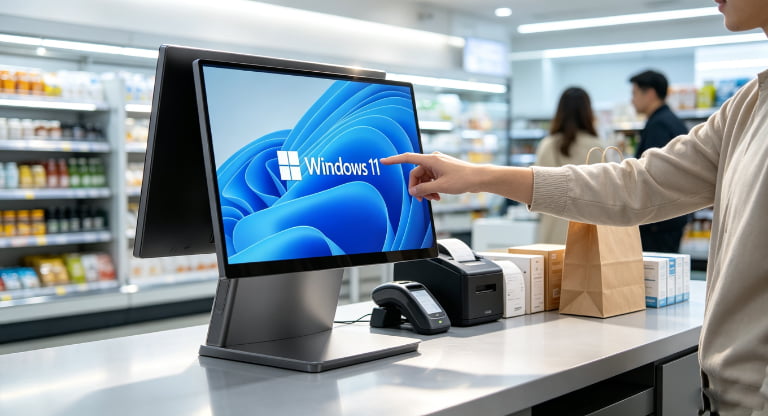
Faced with this reality, retailers and ISVs have two options: upgrade to Windows 11 (which requires TPM 2.0, compatible processors, and often hardware replacement), or switch to Android. Many are choosing Android — not because Windows 11 is inferior, but because the migration cost and hardware requirements of Windows 11 make the Android alternative more attractive when you are already forced to buy new hardware.
3. Why Android Is Winning: Five Structural Advantages
The shift to Android POS is not just about Windows 10 dying. Android has inherent structural advantages that make it a better fit for modern retail operations. Here are the five driving the market shift.
3.1 Lower Total Cost of Ownership
Android is open source, which means there are zero per-device OS licensing fees. For a deployment of 500 terminals, the Windows license alone can add $50,000 to $150,000 to the project cost — money that simply does not exist in an Android deployment. But the TCO advantage extends beyond the license:
| Cost Factor | Android POS | Windows POS |
|---|---|---|
| Hardware (per terminal) | $400 - $700 | $800 - $2,000+ |
| OS licensing | None (open source) | $100 - $300 per device |
| Maintenance | Remote OTA updates, minimal IT staff | Manual patching, dedicated IT resources |
| Software model | Cloud-based, subscription, scalable | Perpetual license + upgrade fees |
| 3-year TCO (per terminal) | ~$800 - $1,200 | ~$1,800 - $3,500+ |
For a 100-terminal deployment, that translates to $100,000 to $230,000 in savings over three years — capital that can be redirected to marketing, inventory, or store expansion.
3.2 Cloud-Native Architecture
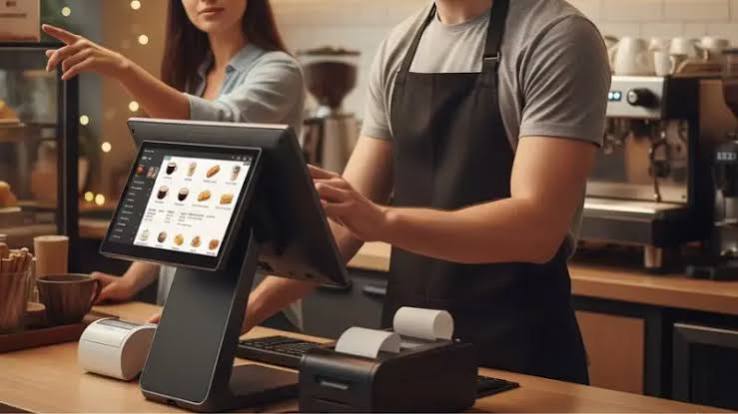
Android POS systems were designed cloud-first. The operating system natively supports REST APIs, WebSocket connections, and push notifications — the building blocks of modern cloud POS platforms. This means real-time inventory sync across multiple locations, centralized menu and pricing management, and remote device provisioning all work out of the box.
Windows POS, by contrast, was built for local processing. Cloud connectivity is possible but often bolted on through third-party middleware, which adds latency, complexity, and failure points. When a retail chain wants to sync inventory across 50 stores in real time, an Android POS cloud architecture handles it natively. A Windows POS setup typically requires a local server at each location plus a sync layer — doubling the infrastructure cost.
3.3 Touch-First User Experience
Android was designed for touch from day one. The UI paradigm — large tap targets, gesture navigation, swipe-to-dismiss, on-screen keyboards that appear contextually — maps perfectly to a POS touchscreen. Cashiers learn the system in minutes, not hours, because it behaves exactly like the smartphone in their pocket.
Windows, even in its touch-optimized modes, still carries desktop interface baggage. Drop-down menus, right-click context menus, window management — these paradigms make sense with a mouse but feel clunky on a touchscreen. For businesses with high staff turnover, the training time difference is measurable: Android POS onboarding takes 15-30 minutes per employee. Windows POS onboarding typically takes 2-4 hours.
3.4 Over-the-Air Updates and Remote Management
Android POS terminals support OTA firmware and application updates pushed from a central management console. A chain with 200 terminals can update its POS software, security patches, and menu configurations across all locations simultaneously — overnight, without a single technician visiting a store. This capability alone eliminates the largest ongoing maintenance cost in multi-location POS deployments.
Windows POS requires manual patching — either through on-site IT visits or remote desktop sessions. Each Windows security update cycle means coordinating downtime, testing compatibility, and deploying across devices. For enterprise operations, this often requires a dedicated IT team, adding $50,000 to $150,000 in annual labor costs that simply does not exist in an Android deployment.
3.5 App Ecosystem and Developer Accessibility
The Android developer ecosystem is the largest in the world. POS software companies can build, test, and deploy Android applications using standard tools — Android Studio, Kotlin, Java — and leverage existing libraries for payment processing, barcode scanning, receipt printing, and loyalty integration. The talent pool for Android development is vast and more affordable than Windows embedded development.
This matters because the POS software — not the hardware — is what retailers actually use. When software development is faster and cheaper on Android, ISVs release features faster, bugs get fixed sooner, and the ecosystem becomes more competitive. This creates a flywheel effect: more apps → more retailers adopt Android → more ISVs build for Android → more apps.
4. Where Windows Still Dominates
This article would be incomplete without acknowledging that Windows POS is not dying. In specific segments, Windows remains the better — and sometimes the only — choice. Understanding these segments is critical for ISVs and system integrators making platform recommendations.
4.1 Legacy POS Software Lock-In
Many enterprise retail chains have invested millions in Windows-based POS software — custom-built applications with decades of business logic embedded. Migrating these applications to Android is not a weekend project; it is a multi-year engineering effort. For these organizations, Windows POS remains the pragmatic choice because the cost and risk of rewriting their entire software stack exceeds the hardware savings of switching to Android.
4.2 Enterprise ERP and Back-Office Integration
Windows POS excels at compute-intensive workloads and complex back-office integration. Large supermarkets and enterprise retail chains that need deep integration with SAP, Oracle, or Microsoft Dynamics ERPs often find that Windows POS provides native compatibility that Android cannot match. The Windows ecosystem has decades of driver libraries, OPOS/JavaPOS service objects, and enterprise middleware connectors that do not exist (yet) on Android.
4.3 Broad Peripheral Driver Support
Windows has a mature driver ecosystem spanning decades. If you need to connect a legacy serial printer, an industrial barcode scanner from 2012, a specialized weighing scale, or a custom-built cash drawer, Windows likely has a driver for it. Android supports modern peripherals through USB, Bluetooth, and Wi-Fi without issue, but legacy and industrial devices often require custom integration.
| Peripheral Type | Android POS | Windows POS |
|---|---|---|
| Receipt printers | USB, Bluetooth, Wi-Fi (modern models) | USB, serial, parallel (broad legacy support) |
| Barcode scanners | Bluetooth, USB HID | USB HID, serial, RS232 (wider driver library) |
| Kitchen printers | Supported (varies by app) | Strong native support, multi-printer routing |
| Legacy / industrial devices | Limited (custom integration often needed) | Extensive (mature driver ecosystem) |
| Payment terminals | NFC, contactless, EMV, QR code | EMV, legacy card readers, PCI-PTS certified |
| Weighing scales | Supported via USB/Bluetooth (modern scales) | Full support including legacy RS232 scales |
4.4 Regulatory and Compliance Environments
Certain industries — pharmacy chains, government procurement, financial services — operate under regulatory frameworks that mandate specific software certifications. In some jurisdictions, certified POS applications only run on Windows because the certification process for Android equivalents has not yet been completed. This is a temporary barrier, but it is real in 2026, and organizations in these sectors cannot simply switch platforms without regulatory approval.
5. Android vs Windows POS: Feature-by-Feature Comparison
For ISVs and system integrators evaluating platforms for client deployments, here is the head-to-head comparison across every dimension that matters.
| Factor | Android POS | Windows POS | Winner |
|---|---|---|---|
| Hardware cost | $400 - $700 | $800 - $2,000+ | Android |
| OS licensing | Free (open source) | $100 - $300/device | Android |
| Deployment speed | Minutes (app install + OTA) | Hours (OS config + drivers) | Android |
| User training time | 15-30 minutes | 2-4 hours | Android |
| Cloud integration | Native, cloud-first | Bolt-on, middleware required | Android |
| Remote management | OTA firmware + app updates | Manual patching, RDP sessions | Android |
| Legacy software support | Limited (requires rewrite) | Full compatibility | Windows |
| ERP integration | Via cloud APIs | Native, deep integration | Windows |
| Peripheral driver library | Modern devices (good) | Modern + legacy (extensive) | Windows |
| PCI DSS compliance | PCI DSS capable | PCI DSS capable | Tie |
| Mobility | Handheld, tablet, portable | Primarily stationary | Android |
| Best fit | SMB, QSR, mobile, multi-location | Enterprise, supermarket, pharmacy | Depends |
6. The Hybrid Future: When Both Platforms Coexist
The most important insight from the 2026 market data is this: Android and Windows POS are increasingly complementary, not competitive. Smart retailers and restaurant chains are deploying both — Android for mobility and front-of-house, Windows for fixed high-volume counters and back-office.
A typical hybrid deployment in a restaurant chain looks like this: Android handheld terminals for tableside ordering and payment, Android kiosks for self-service ordering, and a Windows all-in-one terminal at the main counter for high-volume order processing, kitchen display system integration, and back-office reporting. The two platforms share data through a cloud middleware layer that syncs orders, inventory, and customer data in real time.
In retail, the hybrid model looks slightly different: Android tablets for clienteling and line busting on the sales floor, Android handheld scanners for inventory management, and Windows terminals at the main checkout lanes for barcode scanning, receipt printing, and ERP integration. Some hardware manufacturers are now producing terminals that support both operating systems — dual-boot or switchable OS designs that let retailers choose the platform per use case without buying separate hardware.
This hybrid approach is where the market is heading. It is not about Android replacing Windows. It is about Android expanding into areas where Windows was overkill, and Windows retreating to the segments where its strengths — legacy compatibility, ERP integration, peripheral support — remain unmatched.
7. What This Means for ISVs and System Integrators
If you are an ISV building POS software, or a system integrator advising retail clients, the Android shift demands strategic decisions now. Here is a framework for navigating the transition.
7.1 For ISVs: Build Android-First, Windows-Compatible
If you are developing new POS software, build for Android first. The development tools are more accessible, the talent pool is larger, the deployment model (cloud + OTA) is simpler, and the market demand is growing fastest in this segment. However, maintain a Windows-compatible version for enterprise clients who cannot migrate — typically through a web-based fallback or a thin client wrapper that runs on Windows.
The key technical decisions: use a cross-platform framework (React Native, Flutter, or Progressive Web App) for the application layer, and implement device communication through standard protocols (ESC/POS for printers, USB HID for scanners, REST APIs for payment gateways) that work on both platforms. This avoids locking your software to one OS.
7.2 For System Integrators: Assess Each Client Independently
When advising clients, do not default to one platform. Use a structured assessment:
- Software dependency: Does the client rely on legacy Windows POS software? If yes and migration is not feasible, recommend Windows 11 hardware. If the client is using cloud-based or modern POS software, recommend Android.
- Peripheral inventory: What existing peripherals must be supported? If the client has legacy serial printers, RS232 scales, or industrial scanners, verify Android compatibility before recommending the switch. Modern peripherals (USB, Bluetooth, Wi-Fi) work on both.
- Deployment scale: For 1-5 terminals, either platform works. For 50+ terminals, Android's OTA management and lower per-unit cost create significant operational savings.
- Industry vertical: QSR, cafes, boutique retail, and mobile/pop-up operations are natural Android fits. Supermarkets, pharmacies, and enterprise retail with ERP integration may still need Windows.
- Regulatory requirements: Check whether the client's jurisdiction or industry requires specific software certifications that may only exist on Windows.
7.3 For Hardware Manufacturers: Support Both or Lose Deals
The market reality in 2026 is that hardware manufacturers who only offer one OS limit their addressable market. ISVs and integrators need hardware that supports their software — not the other way around. Manufacturers that offer both Android and Windows variants of the same terminal form factor (same chassis, same peripherals, different mainboard and OS) win more deals because they let the buyer choose the platform without compromising on hardware quality.
8. How SynqNode Supports Both Platforms
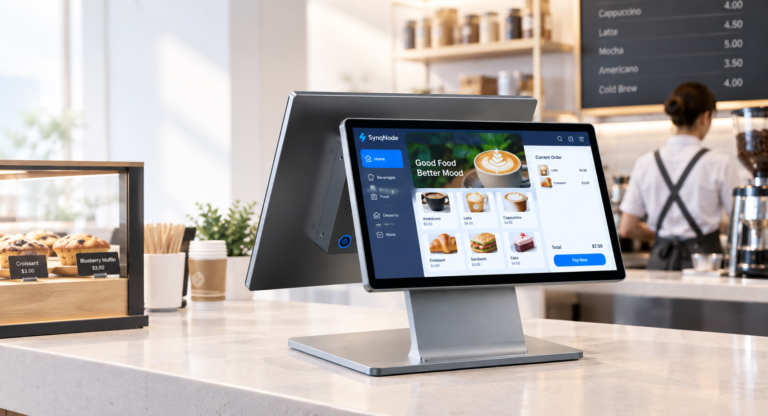
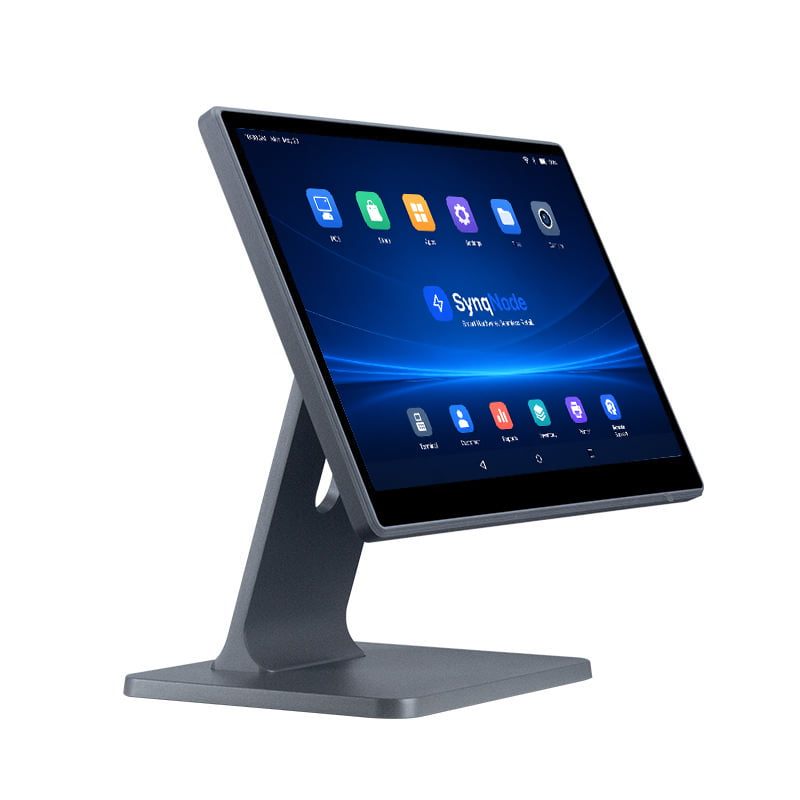
As a B2B retail hardware manufacturer, SynqNode builds POS terminals that serve both sides of this market shift. Our hardware platform supports both Android and Windows variants across the same chassis designs — meaning ISVs and system integrators can deploy the physical form factor that fits their use case and select the operating system that matches their software stack.
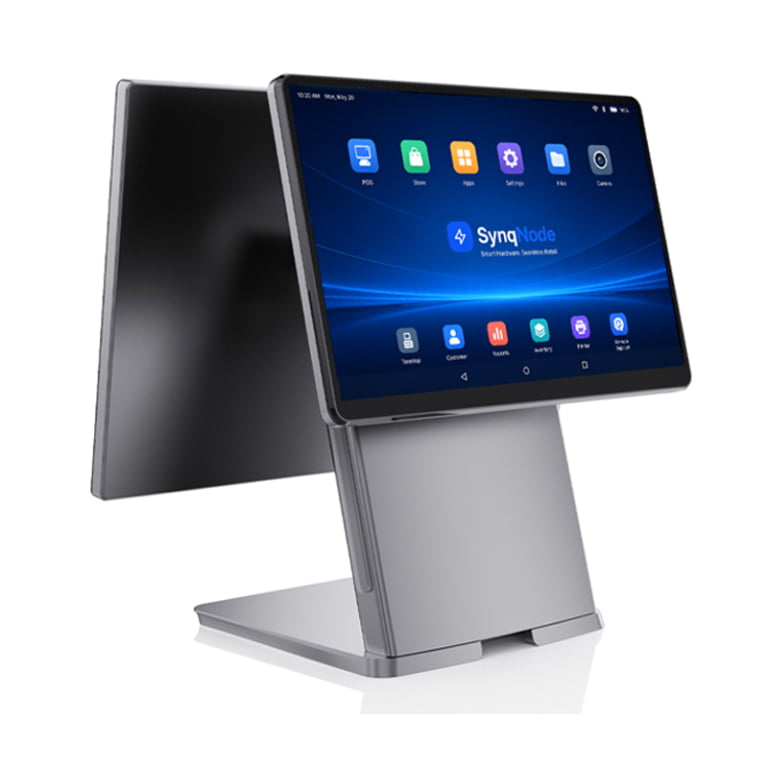
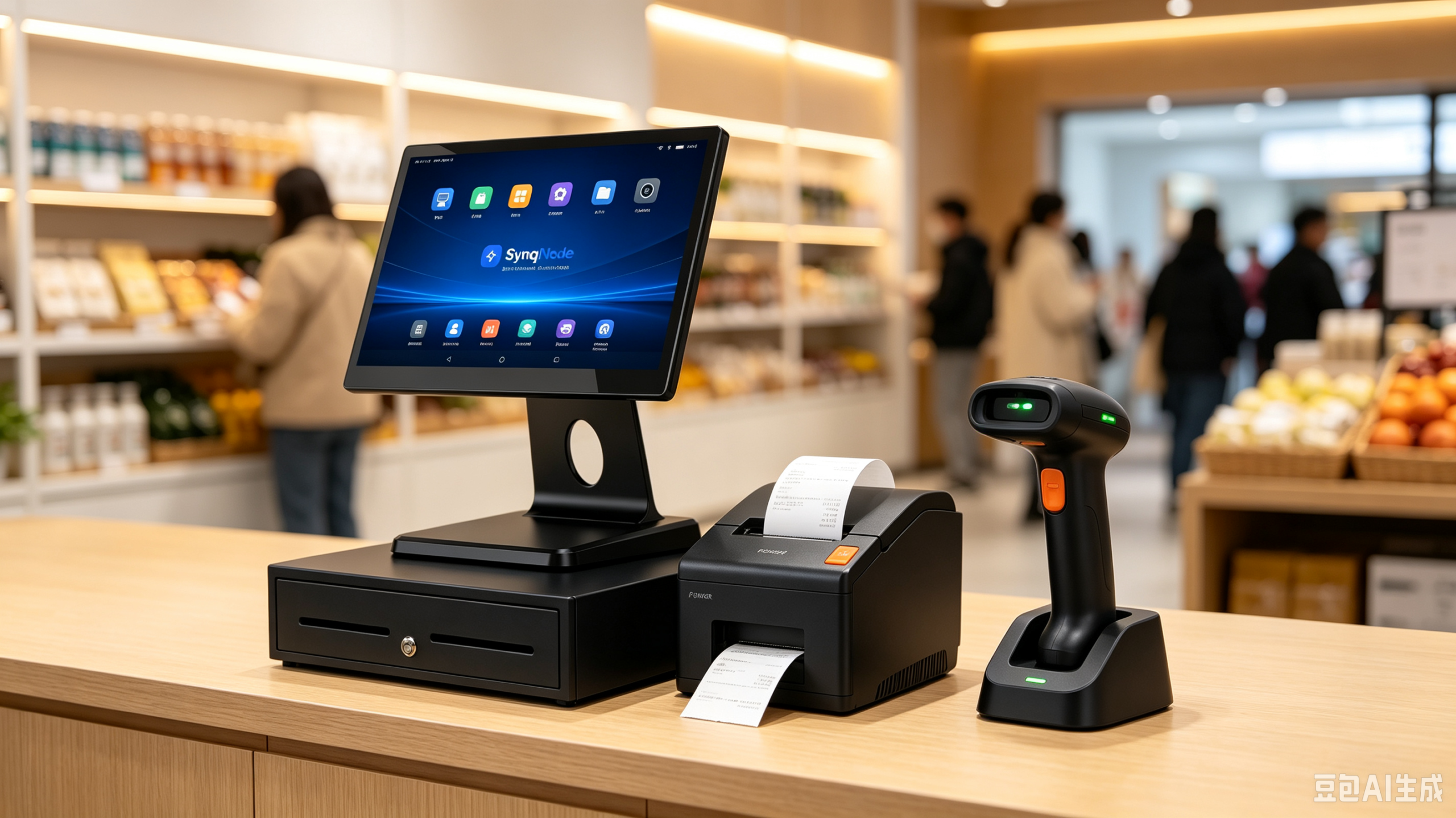
Our Android POS terminal lineup includes countertop all-in-one terminals, handheld POS devices, dual-screen terminals, and self-service kiosks — all running Android with customizable firmware, SDK support, and MDM (Mobile Device Management) integration for remote fleet management. For clients with legacy software or ERP integration requirements, we offer the same hardware configurations with Windows 11 IoT Enterprise pre-installed.
For OEM/ODM partners, we provide full customization — logo branding, firmware development, peripheral driver integration, and packaging — on both platforms. Whether your clients are migrating from Windows 10 to Android, upgrading to Windows 11, or deploying a hybrid model, we manufacture the hardware that makes either strategy possible.
Ready to Evaluate Your POS Hardware Options?
SynqNode manufactures both Android and Windows POS terminals, handheld devices, and self-service kiosks for ISVs, system integrators, and retail chains worldwide. Contact our team to discuss your deployment requirements, OEM/ODM customization, or request hardware samples for testing.
Contact SynqNode Solutions Team →
9. Frequently Asked Questions
Is Android POS replacing Windows POS?
Not entirely. Android POS is growing faster and capturing new deployments in SMB, QSR, and mobile retail segments. Windows POS remains dominant in enterprise retail, supermarkets, and pharmacy chains where legacy software and ERP integration are critical. The market is moving toward a hybrid model where both platforms coexist within the same operation — Android for mobility and front-of-house, Windows for fixed high-volume counters and back-office.
Is Android POS secure enough for payment processing?
Yes. Modern Android POS terminals support end-to-end encryption, biometric authentication, and automatic OTA security updates. When properly configured with PCI DSS-compliant payment applications, Android POS systems meet the same security standards as Windows POS. The security risk comes from delayed patching on either platform — not from the OS itself.
How much does an Android POS system cost compared to Windows?
Android POS hardware typically costs $400 to $700 per terminal with no OS licensing fees. Windows POS hardware starts at $800 and can exceed $2,000, plus $100 to $300 per device for Windows licensing. Over a 3-year period, the total cost of ownership for Android POS is approximately half that of Windows POS.
Can Android POS work offline?
Most modern Android POS applications support an offline mode that allows basic transaction processing — order entry, payment (if the payment terminal stores encryption keys locally), and receipt printing — when internet connectivity is unavailable. Data syncs automatically to the cloud once the connection is restored. Offline capability depends on the specific POS software, not the Android OS itself.
What should ISVs consider when choosing between Android and Windows for POS software development?
ISVs should consider: (1) target market — SMB and QSR favor Android, enterprise favors Windows; (2) development cost — Android is cheaper and faster to develop for; (3) peripheral integration — Windows has broader legacy driver support; (4) deployment model — Android supports cloud-native OTA updates, Windows requires manual patching; (5) client base — if existing clients use Windows legacy software, maintain Windows compatibility while building Android for new clients.
When does Windows 10 IoT Enterprise end of support happen?
Windows 10 IoT Enterprise LTSB 2016 reaches end of support on October 13, 2026. Consumer editions of Windows 10 (Home, Pro, Enterprise) already reached end of support on October 14, 2025. POS terminals running either version are now operating without security patches, creating PCI DSS compliance risks. This deadline is a primary driver of the current wave of POS hardware refresh and platform migration decisions.
Can I run the same POS software on both Android and Windows terminals?
It depends on the software architecture. Cloud-based POS applications with a web frontend can run on both platforms through a browser or wrapper app. Native applications require separate builds for Android (Kotlin/Java) and Windows (C#/.NET). Cross-platform frameworks like React Native or Flutter can produce builds for both from a single codebase, though device-level integration (printer commands, scanner input, payment hardware) typically requires platform-specific code.
About the Author: SynqNode Solutions Team — SynqNode is a B2B retail hardware manufacturer specializing in POS terminals, self-service kiosks, handheld POS devices, and OEM/ODM solutions for ISVs, system integrators, and retail chains worldwide. Learn more at www.smartstoreops.com.