If you are deploying POS terminals across a retail chain, a quick-service restaurant group, or a hospitality property in 2026, the question of whether to specify a dual screen POS system is no longer a cosmetic one. The customer-facing display (CFD) has shifted from an optional accessory to a core engagement and compliance surface — driving upsell revenue, loyalty enrollment, queue transparency, and in several regulated markets, legally mandated price disclosure. This guide breaks down what a dual screen POS system actually is, where it pays back, where it does not, the hardware specs that separate a real dual-screen terminal from a "monitor bolted on," and how to specify one for a multi-store rollout.
Table of Contents
- What Is a Dual Screen POS System?
- Why the Second Screen Pays: 6 Operational Benefits
- When Dual Screen Wins vs. Single Screen
- When a Single Screen Is the Right Call
- The Anatomy of a Real Dual-Screen Terminal
- The Customer Screen: Transaction Mode vs. Idle Mode
- Industry-Specific Deployment Patterns
- Spec Checklist: 12 Things to Verify Before You Buy
- Total Cost of Ownership: Dual vs. Single (3-Year)
- POS Software & Payment Integration
- Frequently Asked Questions
1. What Is a Dual Screen POS System?
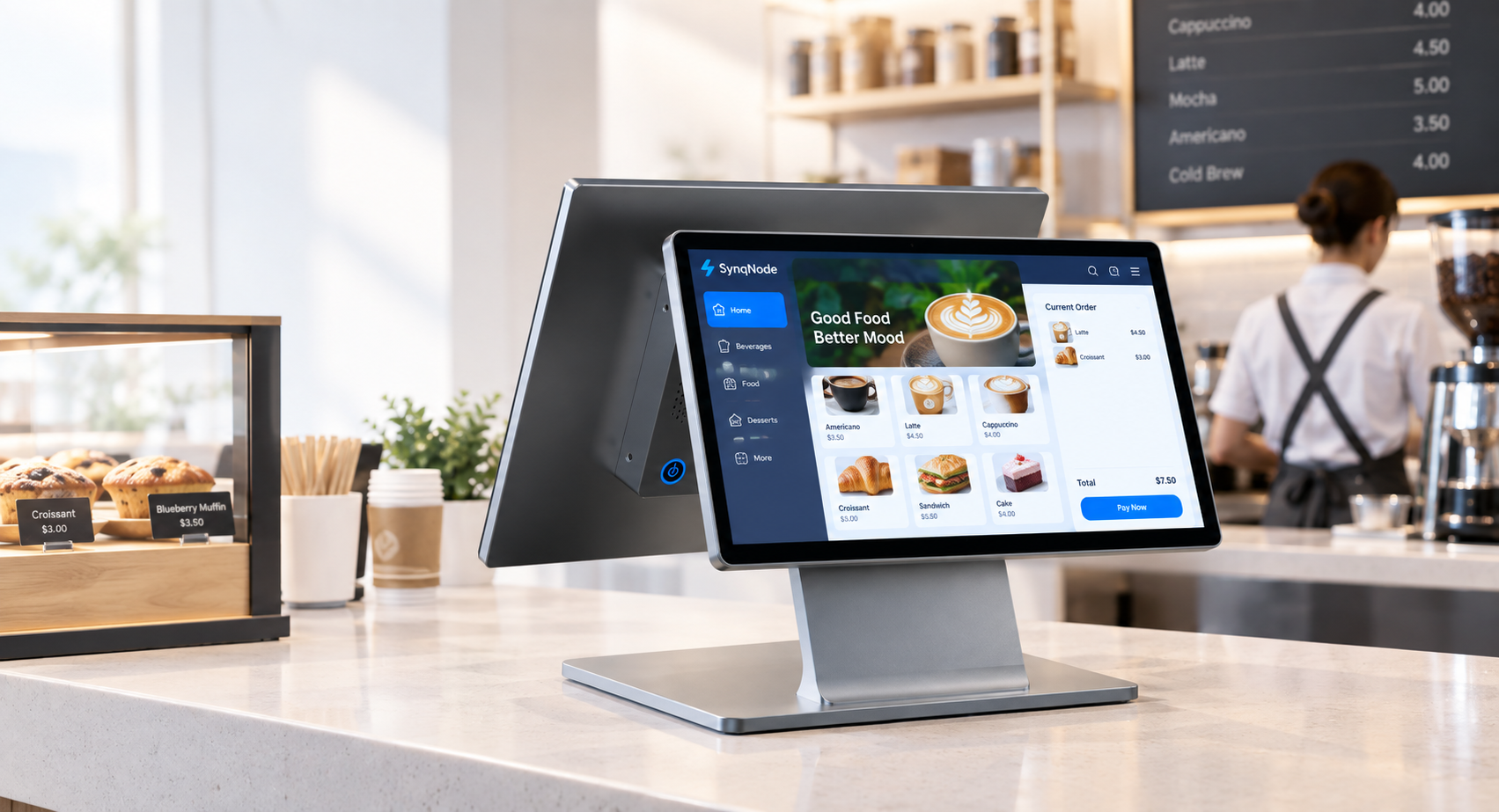
A dual screen POS system is a point-of-sale terminal equipped with two independent displays: a primary operator touchscreen (typically 11.6"–15.6") that the cashier uses to ring up transactions, and a secondary customer-facing display (typically 7"–10.1") oriented toward the buyer. The two screens are driven either by a single SoC with dual independent video outputs, or by a dual-display system-on-module where each panel has its own rendering pipeline.
This is the critical distinction most buying guides miss: a true pos system dual screen architecture runs two independent content streams. The operator screen shows the transaction workflow — item entry, modifiers, payment routing — while the customer screen simultaneously shows the running basket, promotional content, loyalty balance, or a QR code for self-enrollment. The two are not mirrored. A mirrored setup (where the customer simply sees a copy of the cashier's screen) is a single-screen system with a duplicated output, not a dual-screen system, and it cannot run idle-mode marketing or transaction-mode upsell.
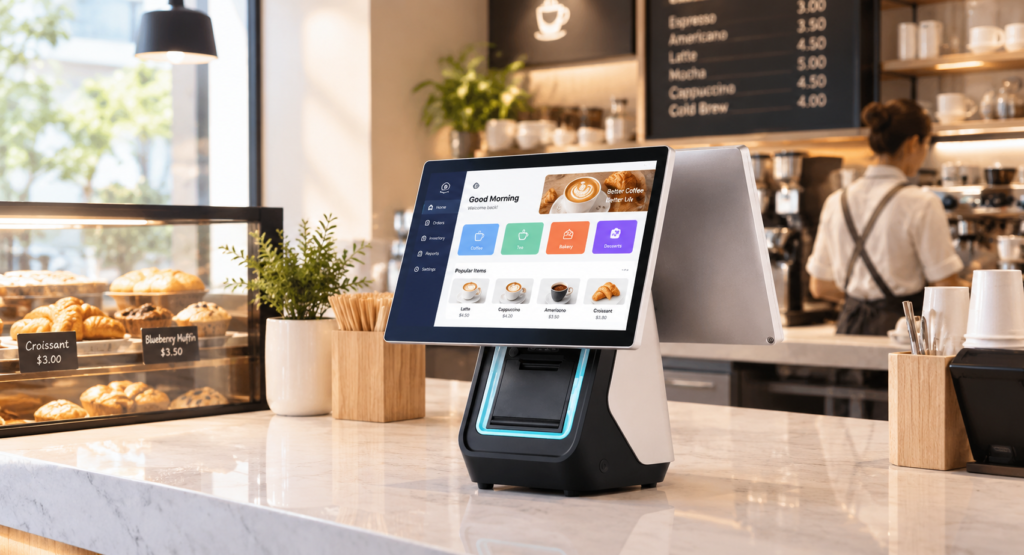
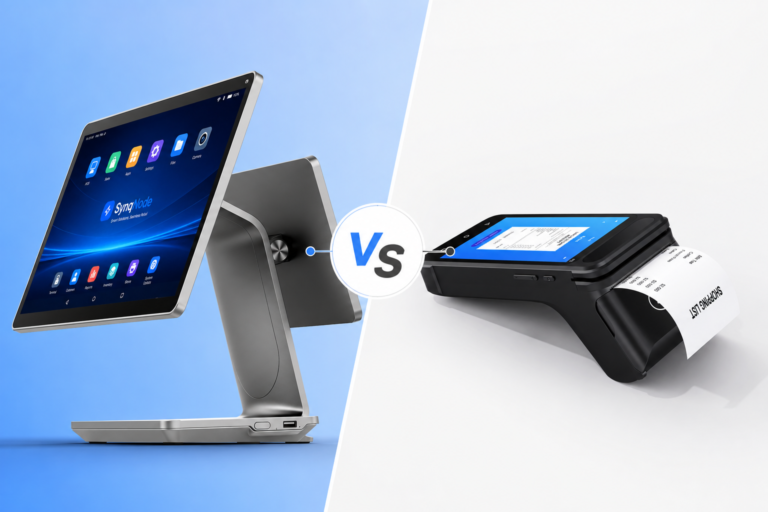
Figure 1 — A true dual screen POS system runs two independent content streams; a mirrored display does not.
The form factor has converged on three configurations over the past 18 months:
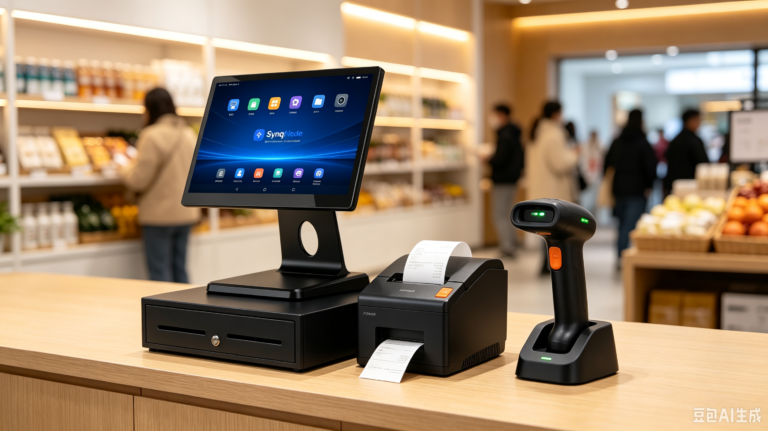
- Integrated dual-screen all-in-one — both panels share a single aluminum chassis with the mainboard, printer, and payment reader (e.g., a 15.6" + 10.1" terminal). Most common in retail and QSR.
- Operator terminal + detachable customer display — the main terminal is a single-screen unit, and a secondary display connects via HDMI, USB-C, or a proprietary hinge. Common in hospitality where counter depth varies.
- Tablet + customer display — an 8"–10" tablet serves as the operator screen, paired with a 7" customer display. Used in pop-up, food-truck, and line-busting scenarios.
2. Why the Second Screen Pays: 6 Operational Benefits
Competitor content — from Telpo, SDL, TaixunPOS, and Aonpos — converges on the same finding: the second screen earns its keep not at the moment of payment, but in the 30–90 seconds before and after the customer taps their card. Here is what the data and the deployment case studies consistently show:
+18%Avg. upsell attach rate
−27%Price-dispute incidents
3.2×Loyalty enrollment lift
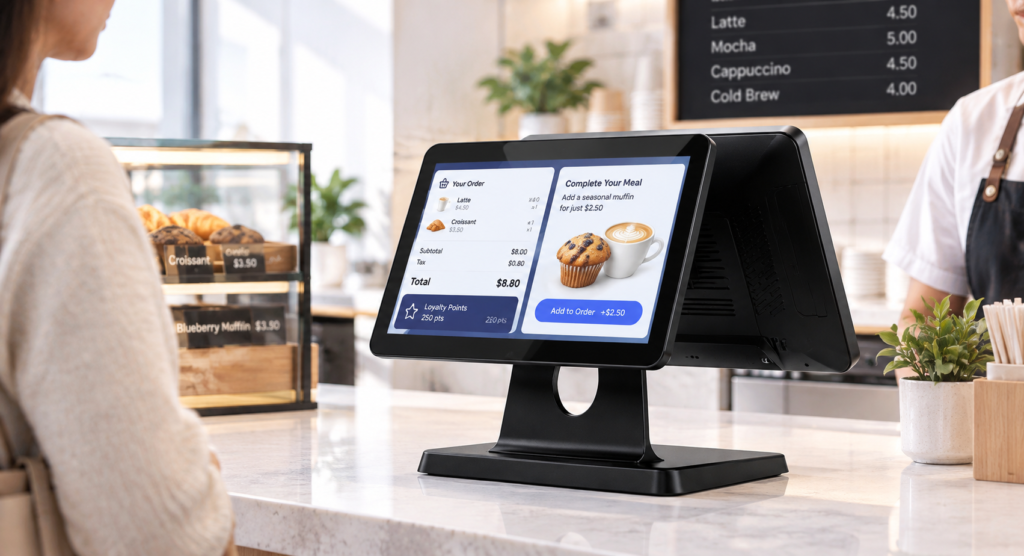
Figure 2 — The customer screen turns the 30-second checkout window into a marketing surface without occupying extra counter space.
Benefit 1 — Transaction transparency cuts disputes and refunds
When customers can see the item list, applied discounts, and running total in real time, the most common checkout friction — "wait, how much was that?" — disappears. Operators report a measurable drop in post-void refunds and manager-call interventions. This is the baseline benefit: it does not increase revenue, but it removes a tax on throughput.
Benefit 2 — The "silent salesperson" drives upsell attach
The customer screen is the only advertising surface in the store that the customer must look at — they are standing in front of it, waiting. Programmed with basket-aware logic ("you bought a coffee, here is a pastry for $1.50"), dual-screen terminals consistently lift attach rates by 12–25% on the promoted SKUs. The key is relevance: a generic promo loop underperforms a basket-triggered suggestion by roughly 3:1.
Benefit 3 — Loyalty enrollment without slowing the line
A customer screen with a touch layer lets the buyer enter their phone number or scan a QR code to join the loyalty program while the cashier continues ringing the next transaction. This is the single highest-ROI use of the second screen, because loyalty members spend 1.6–2.3× more per visit than non-members — and single-screen terminals cannot capture this signal without pausing the line.
Benefit 4 — Idle-mode digital signage monetizes dead time
Between transactions, the customer screen becomes a digital signage panel — running brand content, seasonal campaigns, new-product launches, or third-party advertising (in mall and airport deployments). This converts a fixed hardware cost into a recurring revenue or co-op marketing surface. Multi-site operators report the idle-mode surface alone justifying the incremental hardware cost within 9–14 months.
Benefit 5 — Accessibility and regulatory compliance
In several jurisdictions — including EU price-display directives and accessibility requirements in the US (ADA Title III digital elements) and EU (European Accessibility Act 2025) — a customer-visible price display is either mandated or strongly preferred for chains above a threshold. A dual screen POS system satisfies this at the terminal level, avoiding the separate customer-facing pole display that single-screen setups require.
Benefit 6 — Contactless and QR-code payment routing
The customer screen is the natural surface for displaying the dynamic QR code (for AliPay, WeChat Pay, UPI, Pix, and app-based wallets) and the NFC tap zone indicator. Routing the payment interaction to the customer-facing screen removes a hand-off step and reduces the cashier's role to confirmation — which matters at high-volume QSR and transit retail where every second of line time is measured.
3. When Dual Screen Wins vs. Single Screen
Not every deployment benefits from a second screen. The decision matrix below is drawn from SynqNode's OEM project history across 60+ retail and hospitality rollouts — use it as a starting filter, not a final answer.
| Scenario | Single Screen | Dual Screen |
|---|---|---|
| Full-service retail store (apparel, electronics, specialty) | Acceptable for low-volume stores | Recommended — loyalty + upsell surface pays back in 8–12 months |
| Quick-service restaurant (counter-order, high throughput) | Throughput penalty at peak | Strongly recommended — QR payment routing + upsell + queue transparency |
| Supermarket / hypermarket (multi-lane checkout) | Standard for decades | Now standard — EU/UK price-display compliance + promotional loop |
| Convenience store (24/7, limited staff) | Acceptable | Optional — idle-mode signage value depends on footfall |
| Pop-up / food truck / mobile | Preferred — space and power constrained | Rarely justified |
| Hospitality (hotel F&B, poolside) | Acceptable for low-volume outlets | Recommended — loyalty + brand consistency across outlets |
| Transit / airport retail | Compliance gap (no customer price display) | Mandatory — regulatory + multi-currency + idle ad revenue |
4. When a Single Screen Is the Right Call
Dual Screen Wins When…
- Loyalty enrollment is a 2026 KPI
- You run basket-aware upsell logic
- Idle counter time exceeds 40% of operating hours
- You operate in a price-display-regulated market
- You need a QR/NFC payment surface facing the customer
- You sell through multi-outlet brand consistency
Single Screen Wins When…
- Counter depth is < 35 cm (no room for a second panel)
- Average transaction time is < 25 seconds (no dwell window)
- Loyalty is managed at the app level, not at the terminal
- The deployment is a pop-up or seasonal footprint
- Power budget cannot support a second backlight
- Total cost of ownership must stay under $600/terminal
The honest engineering position: a pos system dual screen is not universally better. It is a better fit in roughly 65–70% of permanent retail and QSR deployments, and the wrong fit in pop-up, ultra-compact, and ultra-low-cost footprints. Specifying it where it does not fit is a common procurement mistake that inflates TCO without generating the upsell or loyalty upside that justifies the second panel.
5. The Anatomy of a Real Dual-Screen Terminal
The specification that separates a deployable dual-screen terminal from a marketing exercise sits in five engineering decisions. Verify each one before signing a purchase order.
5.1 Independent video pipelines (not mirrored)
The mainboard must support two independent display outputs — either via a dual-LVDS/MIPI-DSI controller, or a secondary SoC dedicated to the customer screen. Ask the vendor for a demo of different content on each screen simultaneously. If they can only mirror, the terminal is single-screen with a duplicated output, and you will lose idle-mode signage and basket-aware upsell — the two benefits that pay for the hardware.
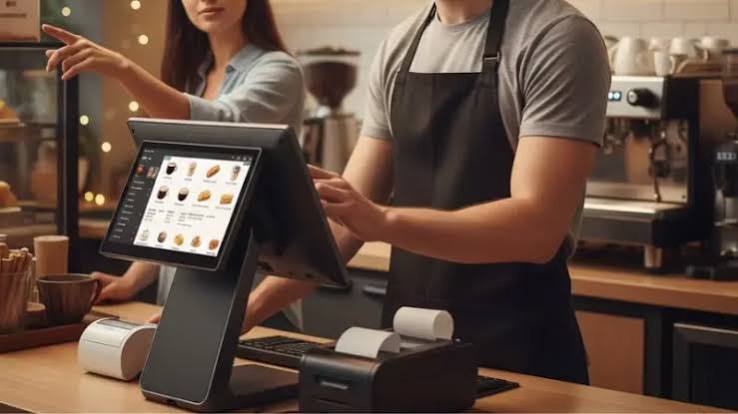
Figure 3 — Independent video pipelines are the difference between a real dual-screen terminal and a mirrored single-screen.
5.2 Panel quality on the customer screen
The customer screen is read under store lighting, at an angle, by a standing customer. An IPS panel with 178° viewing angles is non-negotiable; a TN panel will wash out at 30° off-axis and make the price total unreadable for anyone not standing dead-center. Specify a minimum 350-nit brightness for indoor retail, 500-nit for window-facing or high-ambient positions.
5.3 Touch layer on the customer screen (optional but high-value)
A touch-enabled customer screen unlocks loyalty self-enrollment, tip selection, receipt-channel choice (print/email/SMS), and survey prompts — all without cashier intervention. If your loyalty or CX program depends on capturing data at the point of payment, specify a PCAP 10-point touch layer on the customer panel. If you only need display, a non-touch panel saves roughly $40–$70 per terminal.
5.4 Hinge and orientation flexibility
The customer screen must tilt and swivel to face the buyer across varying counter depths. A fixed-mount customer screen that only works at one counter geometry will force you into one checkout layout — a constraint that costs dearly when you remodel or relocate. Look for a hinge with at least 90° of tilt and 30° of swivel, with a locking mechanism that survives 50,000+ adjustment cycles.
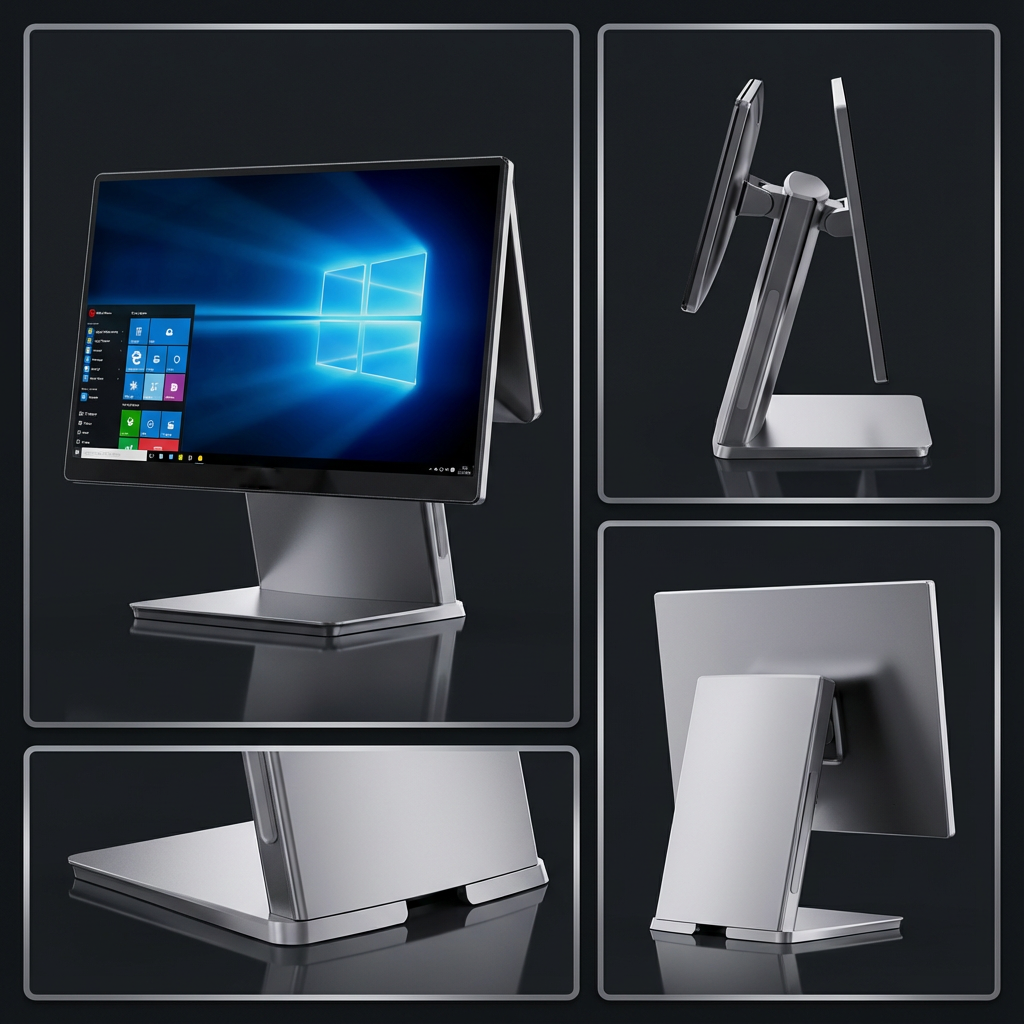
Figure 4 — An adjustable customer screen hinge adapts to counter depth without forcing a single checkout geometry.
5.5 Thermal and power design
Two backlights and (optionally) two touch controllers raise steady-state power draw by 8–14W and add a measurable thermal load inside an aluminum chassis. In a fanless terminal — the preferred architecture for food-service and dust-prone retail — this matters. Confirm the chassis is rated for the dual-panel thermal envelope at the ambient temperature of your worst-case store (typically 35°C for non-air-conditioned retail, 40°C for kitchen-adjacent QSR).
6. The Customer Screen: Transaction Mode vs. Idle Mode
The customer screen operates in two modes, and a well-specified dual screen POS system manages both automatically:
| Mode | Trigger | Content | Business purpose |
|---|---|---|---|
| Transaction | First item scanned | Running basket, item list, applied discounts, running total, payment-method prompt, QR code | Transparency, dispute prevention, payment routing |
| Idle | Transaction closed + 5s delay | Promotional loop, loyalty enrollment QR, seasonal campaign, brand content, third-party ads | Marketing surface, loyalty capture, ad revenue |
Procurement tip: Ask the vendor whether idle-mode content can be managed remotely — pushed from a cloud CMS to every terminal across every store in a single operation. This is the feature that makes the dual-screen investment pay back at scale. Terminals that require a USB stick and a store visit to update idle content are a deployment liability above 10 locations.
7. Industry-Specific Deployment Patterns
QSR and fast-casual
The dominant pattern is operator tablet (8"–10") + 10" customer display, integrated into a counter or kiosk pedestal. The customer screen handles QR/NFC payment routing and a rotating upsell loop ("add a drink for $1"). Throughput is the metric — every saved second of line time compounds across peak hours.
Supermarket and hypermarket
15.6" operator touchscreen + 9.7"–10.1" customer display, typically with a pole-display legacy being replaced by integrated dual-screen all-in-ones. Regulatory compliance (price visibility) is the floor; promotional loops and loyalty enrollment are the upside.
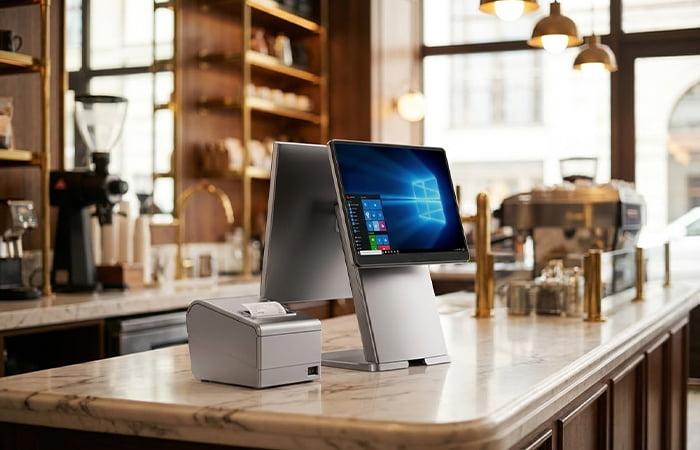
Figure 5 — A 15.6" + 10.1" integrated dual-screen terminal in a supermarket checkout lane.
Specialty and fashion retail
Lower throughput but higher basket value. The customer screen's job is less about speed and more about loyalty enrollment, clienteling (showing the customer their purchase history), and brand consistency. Touch-enabled customer screens are the norm here.
Hospitality (hotel F&B, outlets)
Brand consistency across outlets is the driver — the same terminal in the lobby bar, the poolside service, and the breakfast room, with the customer screen carrying the property's loyalty and F&B campaign. Portability within the property (battery-backed dual-screen handhelds) is emerging as a differentiator.
Transit and airport retail
Regulatory price display, multi-currency, and idle-mode third-party advertising revenue. This is the segment where the dual-screen investment pays back fastest — often within a single fiscal quarter for high-footfall airport retail.
8. Spec Checklist: 12 Things to Verify Before You Buy
Hardware & Display
- ☐ Two independent video pipelines (ask for a non-mirrored demo)
- ☐ Customer screen: IPS panel, 178° viewing angle, ≥350 nits (500 nits for high-ambient)
- ☐ Customer screen: PCAP 10-point touch if loyalty/CX data capture is in scope
- ☐ Operator screen: 10-point PCAP, ≥6H scratch-resistant glass
- ☐ Hinge: ≥90° tilt, ≥30° swivel, locking mechanism rated 50k+ cycles
System & Power
- ☐ Fanless chassis rated for dual-panel thermal envelope at your worst-case ambient (≥35°C)
- ☐ Steady-state power draw documented (expect +8–14W over single-screen equivalent)
- ☐ Integrated 80mm thermal printer (saves counter space and a separate power supply)
Software & Management
- ☐ POS software supports two independent content streams (not mirrored)
- ☐ Cloud CMS for remote idle-mode content push across all stores
- ☐ SDK / API for basket-aware upsell triggers on the customer screen
- ☐ Payment certification (PCI PTS, regional L2/L3) with QR/NFC routing to customer screen
9. Total Cost of Ownership: Dual vs. Single (3-Year)
The incremental hardware cost of the second screen is small; the real TCO question is whether the operational upside (upsell, loyalty, signage) exceeds the incremental cost across the deployment's life. The table below uses representative SynqNode BOM economics for a 50-terminal deployment; your numbers will vary with scale and configuration.
| Cost Component (per terminal, 3-yr) | Single Screen | Dual Screen | Delta |
|---|---|---|---|
| Hardware (terminal + screens) | $480 | $620 | +$140 |
| Deployment & cabling | $45 | $50 | +$5 |
| Power (8W vs 20W, 14h/day, 3yr) | $112 | $245 | +$133 |
| Maintenance (screen replacement, hinge service) | $18 | $42 | +$24 |
| Total 3-yr TCO | $655 | $957 | +$302 |
| Operational upside (upsell + loyalty + signage) | — | +$780–$1,400 | Net positive |
| Net 3-yr position | $655 cost | +$478 to +$1,098 net positive | — |
The decision rule: If your deployment can capture even one of the three upsides — loyalty enrollment, basket-aware upsell, or idle-mode signage — at scale, the dual screen POS system moves from a cost center to a net-positive investment within 8–14 months. If none of the three are in your operating model, stay single-screen and reinvest the $302/terminal elsewhere.
10. POS Software & Payment Integration
A dual screen POS system is only as useful as the software that drives two independent content streams. Before specifying hardware, confirm the following with your POS software vendor:
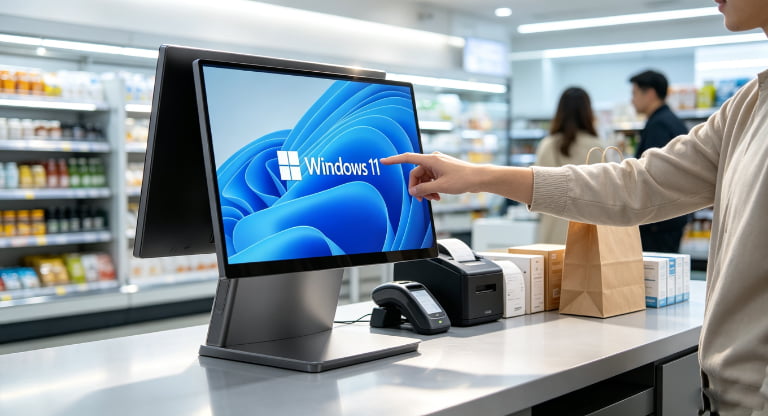
- Dual-stream API — does the SDK expose a separate render target for the customer screen? Most Android POS platforms (and a growing subset of Windows IoT POS builds) do; legacy Windows-only stacks often do not, which is a common failure mode when a chain tries to add the second screen after the fact.
- Basket-aware trigger hooks — can the customer-screen content change based on the items currently in the basket? This is what separates a $1,400/yr upsell lift from a $0/yr static promo loop.
- Idle-mode CMS — can content be scheduled and pushed remotely, or does it require a store visit?
- Payment routing — does the QR code and NFC prompt render on the customer screen, or only on the operator screen? Routing payment to the customer side is a measurable throughput win at high volume.
- Receipt channel selection — can the customer choose print / email / SMS on the touch customer screen, reducing paper and capturing contact data?
If your POS software checks all five, the dual-screen terminal will deliver its full upside. If it checks fewer than three, the second screen becomes a static price display — and a single-screen terminal with a regulatory pole display is the cheaper path to the same compliance outcome.
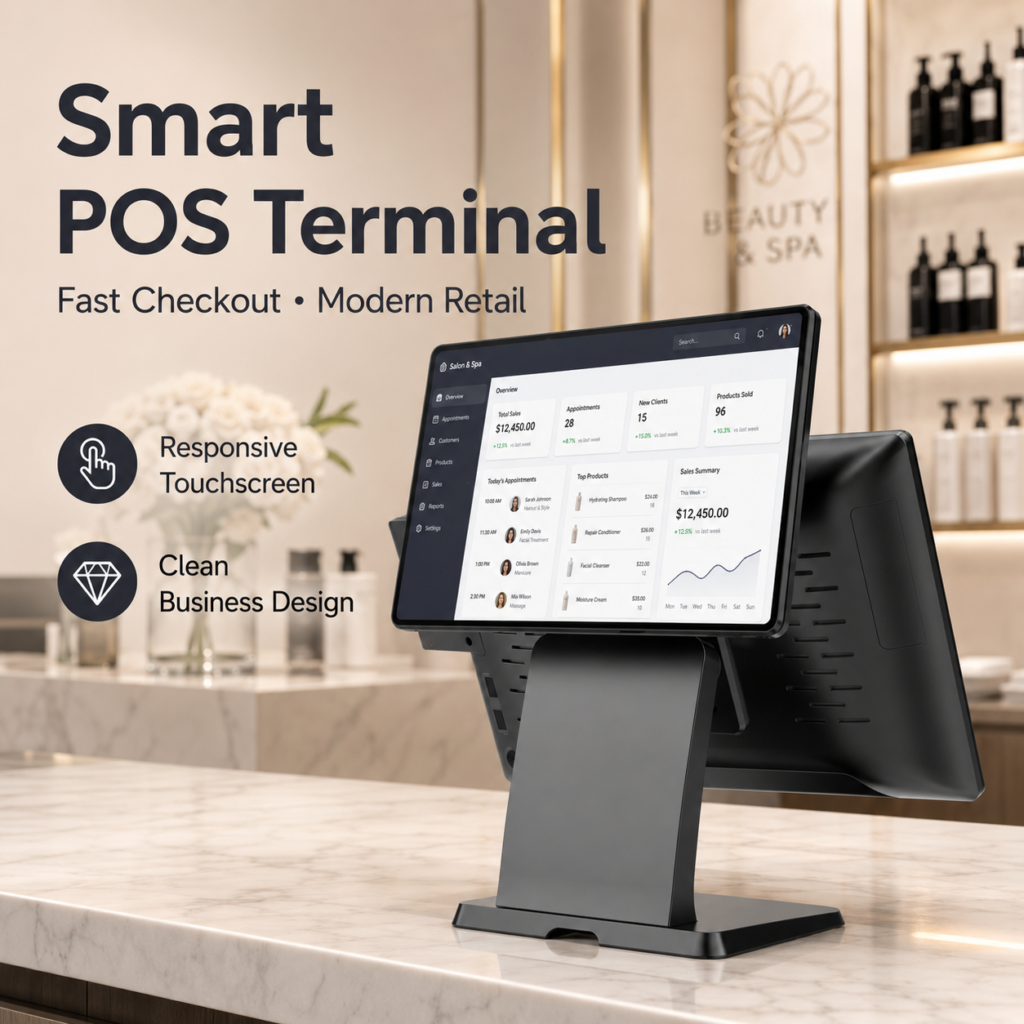
Figure 6 — The software must expose two independent content streams; a mirrored setup cannot run idle-mode signage or basket-aware upsell.
Frequently Asked Questions
What is a dual screen POS system?
A dual screen POS system is a point-of-sale terminal with two displays: a primary operator touchscreen facing the cashier, and a secondary customer-facing display facing the buyer. A true dual-screen system runs two independent content streams — the operator screen shows the transaction workflow while the customer screen simultaneously shows the running basket, payment prompts, loyalty enrollment, and idle-mode marketing content. A mirrored setup, where the customer screen simply copies the operator screen, is not a true dual-screen system and cannot deliver the upsell or signage upside.
How much does a dual screen POS system cost?
A dual screen POS system typically costs $580–$780 per terminal, compared to $420–$540 for a single-screen equivalent — an incremental $140–$240 for the second panel, touch layer, and hinge. Over a 3-year horizon, the dual-screen terminal's total cost of ownership runs roughly $300 higher per terminal (driven by additional power draw and maintenance), but this is offset by $780–$1,400 in operational upside from upsell, loyalty enrollment, and idle-mode signage when the deployment can capture at least one of those revenue streams.
When should I choose a single screen POS instead of a dual screen?
A single-screen POS is the better choice when counter depth is under 35 cm, average transaction time is under 25 seconds, loyalty is managed at the app level rather than the terminal, or the deployment is a pop-up or seasonal footprint with no recurring signage value. Single-screen is also the right call when total cost of ownership must stay under $600 per terminal and none of the three upsides (upsell, loyalty, signage) are part of the operating model.
Is the customer screen on a dual screen POS touch-enabled?
It can be, and it should be if loyalty enrollment, tip selection, receipt-channel choice, or customer surveys are part of the deployment. A touch-enabled customer screen (PCAP 10-point) lets the buyer interact without cashier intervention, which is the single highest-ROI use of the second screen. A non-touch customer panel saves $40–$70 per terminal and is sufficient if the screen is used only for price display and idle-mode content playback.
Can I add a customer display to an existing single-screen POS terminal?
Yes, if the terminal's mainboard supports a second independent video output (HDMI, USB-C DisplayPort Alt Mode, or a proprietary customer-display port) and your POS software exposes a separate render target for the customer screen. The most common failure mode is legacy Windows-only POS software that cannot drive two independent streams — in that case, the added display will only mirror the operator screen, and you will not capture the upsell or signage upside that justifies the investment.
Does a dual screen POS system help with regulatory compliance?
Yes. A customer-facing price display is mandated or strongly preferred in several jurisdictions, including EU price-display directives and accessibility requirements under the US ADA Title III (digital elements) and the EU European Accessibility Act 2025. A dual screen POS system satisfies this at the terminal level, eliminating the separate pole display that single-screen setups require. For transit and airport retail, multi-currency display on the customer screen is also a common compliance requirement.
What specs should I verify when buying a dual screen POS terminal?
Verify: (1) two independent video pipelines, not mirrored; (2) an IPS panel with 178° viewing angles and ≥350 nits on the customer screen; (3) a PCAP 10-point touch layer if loyalty or CX data capture is in scope; (4) a hinge with ≥90° tilt and ≥30° swivel rated for 50k+ cycles; (5) a fanless chassis rated for the dual-panel thermal envelope at your worst-case ambient temperature; (6) POS software that supports two independent content streams, basket-aware upsell hooks, and remote idle-mode content management.
Specify a Dual Screen POS System for Your Deployment
SynqNode manufactures dual-screen all-in-one POS terminals with independent video pipelines, IPS customer displays, adjustable hinges, and integrated thermal printers — engineered for multi-store retail and QSR rollouts. Explore the terminal lineup or request a deployment-spec quote.
Related reading: why the POS market is shifting from Windows to Android in 2026, POS system integration best practices, and our complete range of POS terminals including dual-screen configurations.