Choosing a POS terminal in 2026 is not just a procurement decision — it directly determines your checkout speed, software stability, and total cost of ownership over the next 5–7 years. This guide walks you through every factor that matters: form factor, operating system, hardware durability, peripheral integration, connectivity, and long-term supply — with a practical checklist for POS software vendors, system integrators, and retail chain operators.
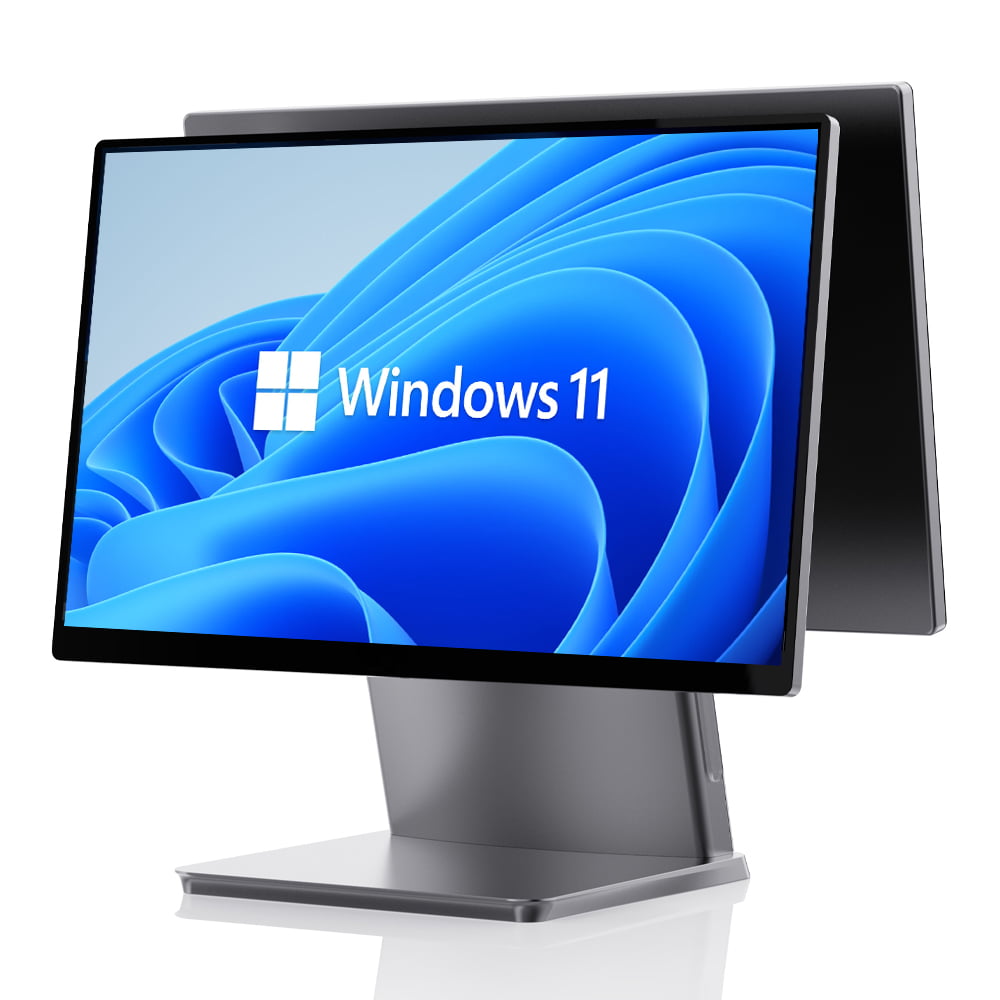
Table of Contents
- Start With Your Business Scenario, Not the Hardware
- Choose the Right Form Factor
- Operating System: Windows, Android, or Linux?
- Durability and Environmental Requirements
- Peripheral Integration and I/O Ports
- Connectivity: Wi-Fi, Ethernet, and Cellular Failover
- Payment Hardware and Security Standards
- Software Compatibility and SDK/Openness
- Total Cost of Ownership (TCO)
- Vendor Evaluation: Manufacturer vs. Trading Company
- POS Terminal Selection Checklist
- Frequently Asked Questions
1. Start With Your Business Scenario, Not the Hardware
The most common mistake in POS hardware procurement is starting with a product catalog instead of a workflow analysis. Before you compare any specifications, map out your actual checkout process:
- Retail / Supermarket: High-volume, fixed-lane checkout with barcode scanning, receipt printing, and cash drawer integration. Durability and scan speed are the priorities.
- Restaurant / QSR: Tableside ordering, kitchen printing, and tip processing. Mobility and rugged design matter more than screen size.
- Pharmacy / Convenience Store: Compact footprint, fast checkout, and integration with prescription management software.
- Warehouse / Logistics: Handheld PDA scanning, label printing, and WMS integration. Drop resistance and battery life are critical.
- Self-Service / Kiosk: Unattended ordering and payment. Touch screen responsiveness and payment integration are the key factors.
Key Principle: Your business scenario determines the hardware requirements — not the other way around. A 15.6" dual-screen POS terminal might look impressive, but if your restaurant needs tableside ordering, a handheld Android POS is the better investment.
2. Choose the Right Form Factor
Modern POS hardware comes in several distinct form factors, each optimized for specific workflows. Understanding the strengths and trade-offs of each will help you narrow down your options quickly.
All-in-One POS Terminals
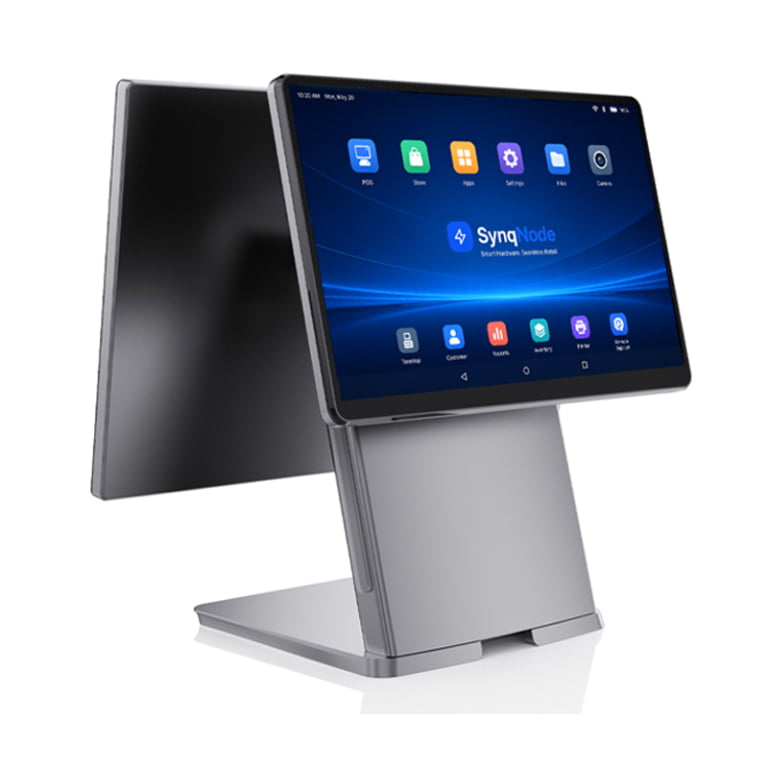
The most common form factor for fixed-lane checkout. These integrate a touchscreen display, mainboard, and optional receipt printer into a single unit. Look for:
- Screen size: 15.6" is the industry standard for retail; 10–12" suits compact counters
- Touch technology: Capacitive touch (not resistive) for responsiveness and durability
- Built-in printer option: Saves counter space and reduces cable complexity
- Dual-screen option: A customer-facing display for order confirmation and promotional content
Explore All-in-One POS Terminals for hardware engineered for 24/7 commercial operation.
Handheld / Mobile POS Terminals
Android-based smart POS devices for tableside ordering, queue-busting, and mobile checkout. Key considerations:
- Weight: Under 400g for comfortable all-day use
- Battery: 5,000 mAh minimum; hot-swappable batteries are a major advantage
- Integrated scanner: A dedicated 2D scan engine outperforms camera-based scanning for high-volume retail
- Drop rating: Must survive 1.5m drops onto concrete — consumer tablets do not qualify
See Handheld Smart POS Terminals for purpose-built mobile checkout hardware.
Self-Service Kiosks
Self-ordering and self-checkout kiosks reduce queue times and increase average ticket size by 15–20%. When evaluating kiosk hardware:
- Screen size: 21.5"–32" vertical touchscreen for customer interaction
- Integrated payment: NFC, EMV chip reader, and QR code scanner built in
- Receipt printer: Thermal printer integrated into the kiosk chassis
- Mounting: Stable floor mount or counter mount with ADA-compliant height
Explore Self-Service Kiosks for configurable kiosk hardware.
Industrial Mini PCs and Gateways
For edge computing, device connection, and smart store infrastructure. These fanless embedded computers serve as the backbone for ESL networks, scanner aggregation, and cloud platform integration.
| Form Factor | Best For | Key Priority |
|---|---|---|
| All-in-One POS Terminal | Retail checkout, supermarket, pharmacy | Screen quality, peripheral I/O, 24/7 stability |
| Handheld / Mobile POS | Restaurant, QSR, queue-busting | Battery life, drop resistance, scan speed |
| Self-Service Kiosk | QSR, retail self-checkout, ticketing | Payment integration, screen responsiveness |
| Industrial Mini PC | Edge computing, ESL gateway, device hub | Fanless design, I/O richness, long-term supply |
| POS Tablet | Flexible on-floor service, pop-up stores | Portability, OS flexibility, peripheral pairing |
3. Operating System: Windows, Android, or Linux?
The operating system determines which POS software you can run and how you integrate peripherals. This is one of the most consequential decisions in your selection process.
Windows (10/11 IoT)
The traditional choice for retail ERP systems, legacy POS software, and environments requiring deep peripheral driver support. Windows IoT Enterprise provides lockdown features, write filters, and extended lifecycle support (10+ years). Choose Windows if:
- You run traditional .NET-based POS or ERP software
- You need direct driver-level access to COM/serial peripherals
- Your IT team requires Active Directory / Group Policy integration
- Long-term OS lifecycle support (7–10 years) is a procurement requirement
Android (11/13 with GMS)
The fastest-growing OS in the POS market. Android POS terminals are typically more affordable, boot faster, and offer a touch-first experience. Choose Android if:
- You run cloud-based POS or mobile-first POS applications
- You need Google Mobile Services (GMS) for app distribution
- Your team is developing a custom Android POS app
- You want lower hardware cost without sacrificing performance
Linux
Used in specialized kiosks, embedded gateways, and custom deployments where full OS-level control is required. Linux is ideal for:
- Kiosk-mode deployments with a locked-down browser
- Industrial gateway / edge computing applications
- Organizations with in-house Linux development capability
Pro Tip: Many modern POS hardware platforms support dual-OS architecture — the same terminal can be configured with either Windows or Android at the factory. This gives you flexibility if your software strategy changes. SynqNode POS terminals support Windows 10/11 IoT, Android 11/13 GMS, and Linux natively.
4. Durability and Environmental Requirements
POS hardware operates in demanding environments — grease, dust, temperature fluctuations, and accidental drops are daily realities, not edge cases. Selecting hardware rated for your specific conditions prevents costly replacements and downtime.
Fanless Architecture
Fans are the #1 failure point in commercial computing hardware. They intake dust, fail mechanically, and create noise. Fanless POS terminals and Mini PCs eliminate this failure mode entirely:
- No dust intake → no overheating from clogged heat sinks
- No moving parts → lower maintenance cost and longer MTBF
- Silent operation → better customer experience in retail and restaurant environments
- Wider operating temperature range → suitable for outdoor and semi-outdoor deployments
Ingress Protection (IP) Ratings
If your environment involves kitchen grease, outdoor exposure, or industrial dust, check the IP rating:
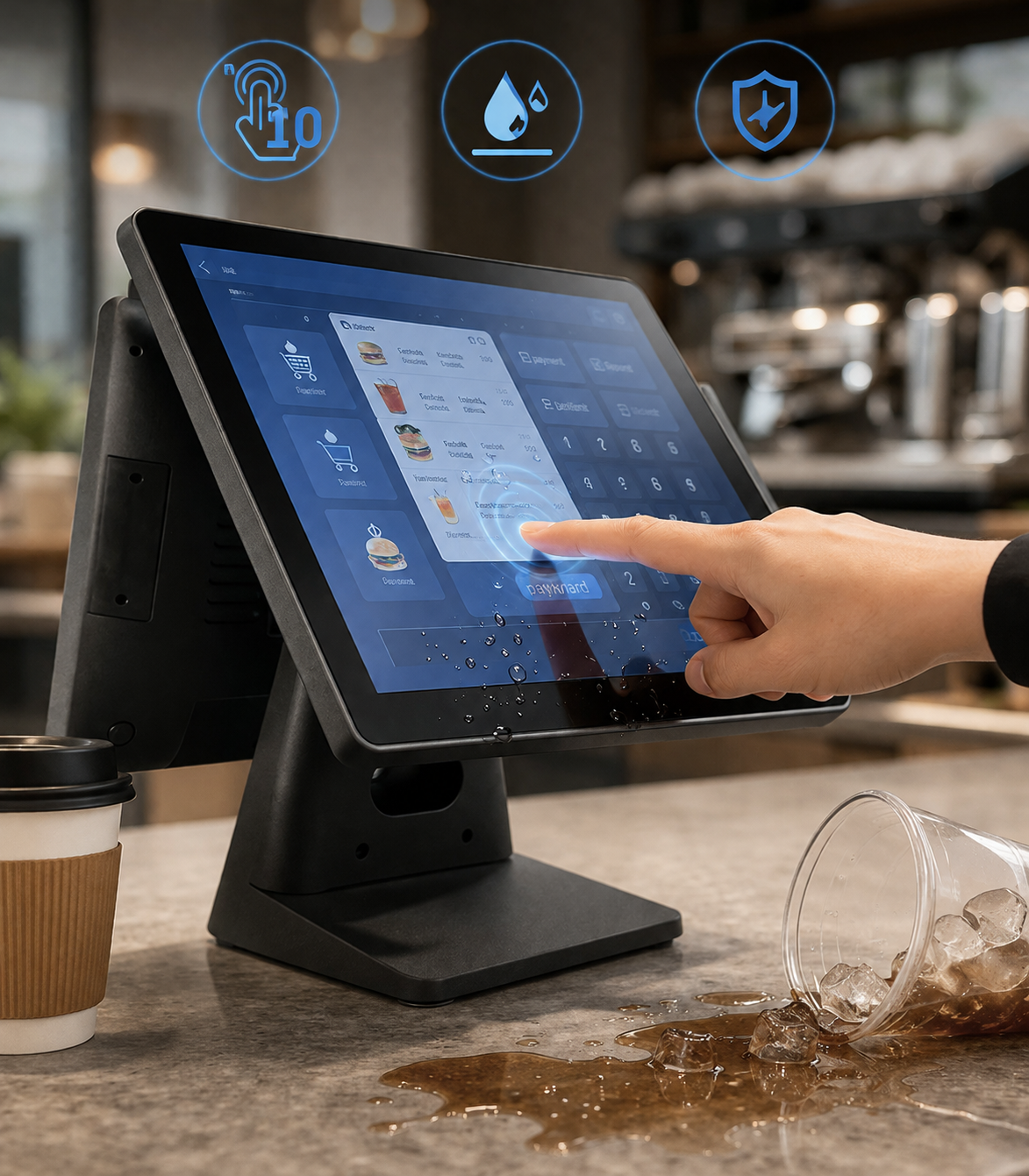
- IP54: Dust-protected, splash-resistant — minimum for kitchen environments
- IP65: Dust-tight, water-jet resistant — for outdoor kiosks and food truck windows
Drop Testing and Ruggedness
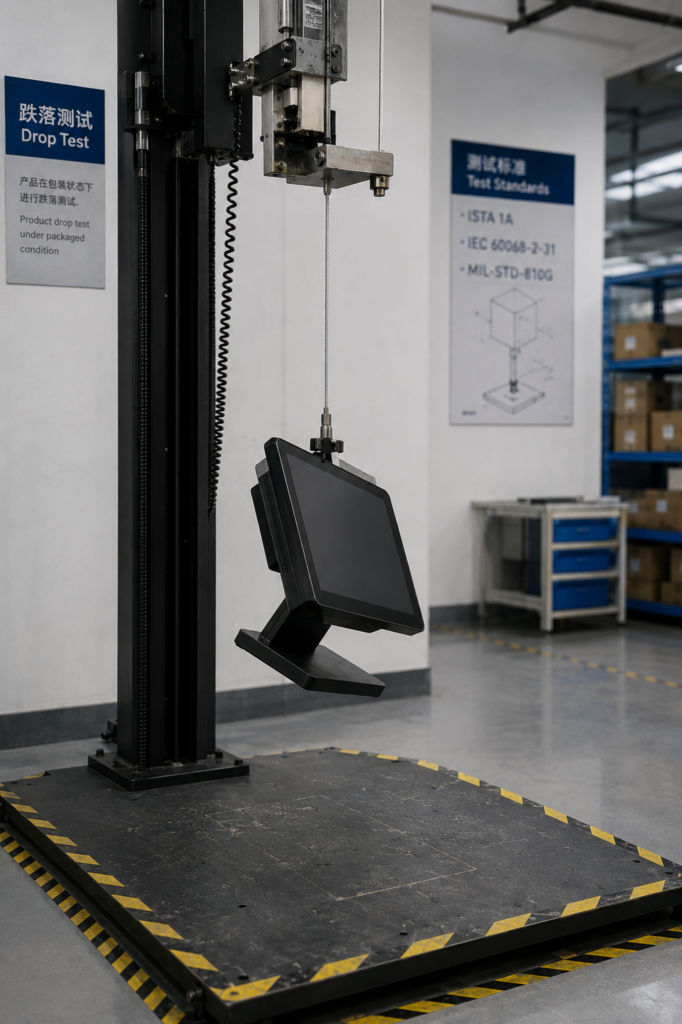
For handheld and mobile POS devices, verify drop-test certifications. Purpose-built enterprise handhelds survive 1.5m drops onto concrete; consumer tablets in cases typically do not. If a device is described as "rugged" without a specific drop rating, ask for the test standard and results.
Costly Mistake: A $1,200 terminal that fails after 6 months in a humid kitchen costs more than a $1,800 unit rated to survive those conditions for 5 years. Always factor replacement cost and downtime into your hardware decision.
5. Peripheral Integration and I/O Ports
A POS terminal is only as useful as the peripherals it can connect. Before purchasing, create a complete list of devices your checkout workflow requires:
| Peripheral | Interface | Why It Matters |
|---|---|---|
| Barcode Scanner (1D/2D) | USB, COM, or Bluetooth | Scan speed directly affects checkout throughput |
| Receipt Printer (80mm thermal) | USB, LAN, or built-in | Print speed and paper-end detection reduce downtime |
| Cash Drawer | RJ11 (12V trigger) | Still needed even in cash-light environments |
| Customer Display | VGA, HDMI, or USB | Reduces chargebacks; doubles as promo screen |
| Kitchen Printer | LAN (networked) | Critical for restaurant order routing |
| Weight Scale | COM (serial) or USB | Required for grocery, deli, and bulk retail |
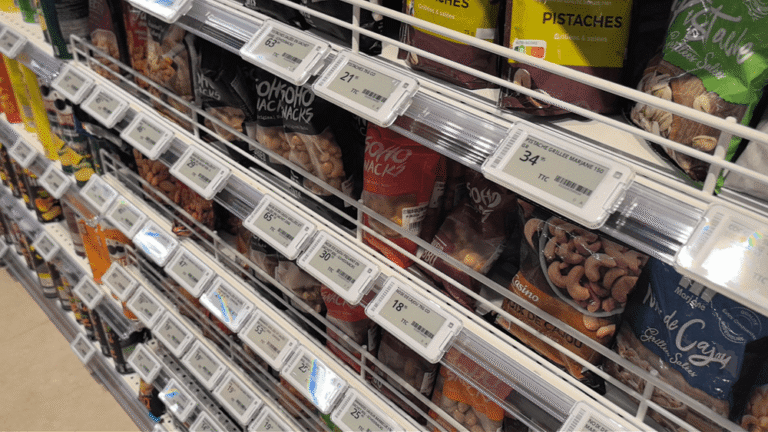
| ESL Gateway | LAN or Wi-Fi | Connects electronic shelf label system |
Check for the following I/O ports on any terminal you evaluate:
- USB-A (minimum 3 ports for peripherals)
- USB-C (for modern peripheral connectivity)
- RJ45 LAN (Gigabit Ethernet for stable network connection)
- COM/Serial (for legacy peripherals and cash drawers)
- HDMI/VGA (for customer-facing displays)
- Bluetooth 5.0+ (for wireless scanners and printers)
- Wi-Fi 6 (802.11ax) for dense device environments
- 4G/LTE SIM slot (for cellular failover connectivity)
Warning: Some sleek all-in-one terminals sacrifice I/O ports for aesthetics, leaving you dependent on Bluetooth connections that can drop during peak hours. A wired kitchen printer that never misses an order is worth more than a wireless one that looks cleaner on the counter.
6. Connectivity: Wi-Fi, Ethernet, and Cellular Failover
Connectivity is not a feature — it is the cost of doing business. A single hour of POS downtime during a lunch rush can cost a busy restaurant $2,000+ in lost sales. Your connectivity strategy should include:
Primary Connection: Gigabit Ethernet
For fixed-lane terminals, wired Ethernet is the gold standard. It eliminates interference, provides consistent latency, and does not degrade when 30+ devices compete for the same Wi-Fi channel.
Wireless: Wi-Fi 6 (802.11ax)
For mobile and handheld POS, Wi-Fi 6 handles dense environments far better than Wi-Fi 5 (802.11ac). If you have 10+ connected devices per access point, Wi-Fi 6 is not optional — it is a requirement.
Cellular Failover: 4G/LTE
When your internet goes down — and it will — a built-in 4G radio keeps transactions processing. Some terminals include a SIM slot; others require an external failover router. Either way, plan for it. Ask your hardware vendor:
- Does the terminal have a built-in SIM slot?
- Does it support automatic failover without manual configuration?
- Can it queue transactions offline and sync when connectivity returns?
7. Payment Hardware and Security Standards
Payment hardware must meet current security standards. Using non-compliant or expired-certification hardware puts your business at liability risk.
EMV Chip and NFC Contactless
By 2026, NFC contactless payments (Apple Pay, Google Pay, tap-to-pay cards) account for over 45% of in-person transactions. Your hardware must support:
- NFC/contactless: Tap payments must complete in under 2 seconds
- EMV chip reader: Still required for chip card transactions
- Magstripe (optional): Include if you serve markets with legacy card usage
PCI Compliance
Any hardware that touches payment card data must meet PCI PTS (PIN Transaction Security) standards. Verify certification status directly on the PCI Security Standards Council website before purchasing.
For ISVs and SaaS Platforms: If you build POS software, ensure your hardware partner provides certified payment terminal integration. Your software should never store raw card data — rely on the hardware's secure element and certified payment flow.
8. Software Compatibility and SDK/Openness
The most expensive POS hardware mistake is buying terminals that do not run your software. Before committing to any hardware purchase, verify:
OS and Software Compatibility
- Is your POS software certified on the terminal's OS and hardware platform?
- Has the hardware vendor tested your specific software version?
- Are there known driver conflicts with your peripheral set?
SDK and Driver Availability
If you are developing custom POS software or integrating peripherals programmatically, you need access to:
- Peripheral SDKs (printer, scanner, customer display, cash drawer)
- ESL REST APIs (for electronic shelf label integration)
- Certified device drivers for Windows, Android, and Linux
- Hardware documentation and technical support channels
SynqNode Advantage: We provide open SDKs, ESL REST APIs, and certified driver packages for rapid ISV integration. Our hardware is factory-certified for Windows 10/11 IoT, Android 11/13 GMS, and Linux — eliminating hardware-software conflicts at the design stage.
9. Total Cost of Ownership (TCO)
The sticker price of POS hardware is often less than 50% of the total cost over its useful life. A thorough TCO analysis includes:
| Cost Category | Typical Range | Notes |
|---|---|---|
| Hardware Purchase | $400–$1,500 per terminal | Varies by form factor and configuration |
| Peripherals (scanner, printer, cash drawer) | $200–$600 per lane | Built-in peripherals reduce this cost |
| Installation & Mounting | $100–$300 per lane | Higher for kiosk installations |
| Software Licensing | $0 (open) – $200+/terminal/month | Proprietary systems lock you into monthly fees |
| Maintenance & Replacement | 10–15% of purchase price/year | Plan to replace fixed terminals every 4–5 years |
| Downtime Cost | $500–$2,000+/hour | Depends on transaction volume and peak hours |
Proprietary vs. Open Hardware Ecosystem
Proprietary POS systems (like Toast or Clover) bundle hardware with their software and payment processing. Upfront cost may be low — sometimes even free — but you are locked into their processing rates, which can run 0.3–0.5% higher than competitive alternatives. Over 5 years, a business processing $1M annually in card sales pays $15,000–$25,000 extra in fees compared to open hardware with a negotiated processing rate.
Open-ecosystem hardware from independent manufacturers runs third-party POS software of your choice. You get flexibility and negotiating power, but you take on responsibility for compatibility testing. This is where a hardware partner that provides SDKs, drivers, and technical support becomes essential.
10. Vendor Evaluation: Manufacturer vs. Trading Company
In the B2B POS hardware market, it is critical to distinguish genuine engineering manufacturers from trading companies that rebrand off-the-shelf products. Use this evaluation framework:
| Evaluation Vector | Key Questions | Red Flags |
|---|---|---|
| R&D and Engineering | Do they design their own mainboards? Do they optimize the Android/Linux kernel in-house? | Outsourced PCBA design = slow bug fixes, no firmware-level support |
| Manufacturing Capability | Do they have an ISO 9001 certified factory? What is their monthly production capacity? | No factory tour, no capacity data = likely a trading company |
| Quality Control | Do they perform aging tests, interface inspections, and drop tests in-house? | "We test everything" without specifics = no real QC process |
| Supply Chain Resilience | What is the lead time for critical components? Do they have a BOM strategy? | Single-source components with no alternatives = supply risk |
| Long-Term Supply | Can they guarantee model continuity for 3–5 years? Do they plan accessories? | Frequent model changes without notice = deployment chaos for chains |
| SDK and Developer Support | Do they provide comprehensive SDKs, APIs, and technical documentation? | No SDK = your developers will struggle with peripheral integration |
| OEM/ODM Customization | Can they do logo printing, custom boot screens, tailored I/O, and custom packaging? | "We can customize anything" without examples = likely outsourcing |
Why This Matters: A trading company cannot fix firmware bugs, cannot customize the mainboard, and cannot guarantee long-term model supply. For multi-store deployments and ISV partnerships, you need a manufacturer with in-house engineering — not a middleman.
POS Terminal Selection Checklist
Use this checklist when evaluating any POS terminal for your retail business:
- Business scenario mapped: Checkout workflow, peak volume, and environment are documented
- Form factor selected: All-in-one, handheld, kiosk, or mini PC — matched to workflow
- OS confirmed: Windows / Android / Linux — compatible with your POS software
- Screen specs verified: 15.6" or larger for fixed lane; capacitive touch; 400+ nits if near windows
- Durability confirmed: Fanless design; IP54+ for kitchen/outdoor; drop-rated for handhelds
- I/O ports adequate: USB-A ×3+, LAN, COM, HDMI, Bluetooth, Wi-Fi 6, 4G SIM slot
- Peripherals tested: Scanner, printer, cash drawer, customer display all connect
- Connectivity plan: Ethernet primary + Wi-Fi 6 + 4G failover
- Payment hardware certified: NFC + EMV; PCI PTS compliant
- Software compatibility verified: POS software tested on the exact hardware platform
- SDK/API available: If developing custom software — SDKs and driver packages provided
- TCO calculated: 5-year total cost including hardware, software, maintenance, and downtime
- Vendor evaluated: R&D in-house, ISO 9001 factory, QC process, long-term supply guarantee
- Sample requested: Physical sample for real-world testing before bulk order
- OEM/ODM discussed: If customization is needed — logo, boot screen, I/O, packaging
Need Help Choosing the Right POS Hardware?
SynqNode engineers POS terminals, ESL systems, kiosks, and Mini PCs for 24/7 commercial operation. We support Windows, Android, and Linux natively — with open SDKs, ESL REST APIs, and certified drivers for rapid ISV integration.Request Hardware Consultation
Frequently Asked Questions
What is the difference between a POS terminal and a payment terminal?
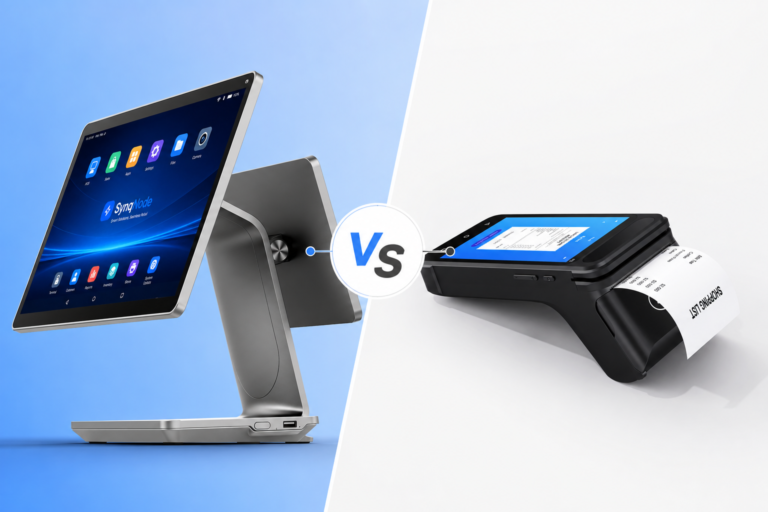
A payment terminal (also called a PIN pad or card reader) handles payment authorization only. A POS terminal is the complete checkout system: the touchscreen terminal, payment device, barcode scanner, receipt printer, cash drawer, and software. Many businesses buy a payment terminal without considering the full POS hardware ecosystem and end up with slow, disconnected checkout workflows.
Should I choose a countertop POS terminal or a handheld device?
It depends on your checkout workflow. Countertop terminals are best for high-volume, fixed-lane checkout (supermarkets, retail). Handheld POS devices are best for tableside ordering and mobile checkout (restaurants, QSR). Many businesses deploy both: countertop terminals for primary checkout and handhelds for queue-busting during peak hours.
Windows or Android for my POS system?
Choose Windows if you run traditional POS/ERP software, need COM/serial peripheral drivers, or require Active Directory integration. Choose Android if you run cloud-based POS apps, need GMS for app distribution, or want lower hardware cost. Many modern terminals support both OS options on the same hardware platform — ask your vendor about dual-OS configuration.
What is the typical lifespan of a POS terminal?
Fixed-lane POS terminals typically last 4–5 years in commercial operation. Handheld and mobile POS devices last 3–4 years due to battery degradation and physical wear. Plan your hardware replacement cycle and budget accordingly. Choose a vendor that guarantees model continuity for at least 3–5 years to ensure consistent deployment across multi-store rollouts.
Do I need a fanless POS terminal?
Fans are the #1 mechanical failure point in commercial computing hardware. Fanless terminals eliminate dust intake, reduce maintenance costs, and operate silently — making them ideal for retail and restaurant environments. If your deployment involves any dust, grease, or 24/7 operation, fanless is strongly recommended.
How do I evaluate a POS hardware manufacturer?
Look for: (1) in-house mainboard design and kernel-level engineering, (2) ISO 9001 certified manufacturing facility, (3) in-house aging tests and QC process, (4) comprehensive SDK and driver packages, (5) long-term model supply guarantee, and (6) OEM/ODM customization capability. Request a sample for real-world testing before placing a bulk order.
POS TerminalPOS HardwareRetail TechnologyBuyer's GuideOEM/ODMB2B Hardware
Looking for more retail hardware insights? Explore our Smart Retail Solutions, browse our POS Terminal Portfolio, or become a partner for OEM/ODM manufacturing support.
About SynqNode: We are a B2B retail hardware manufacturer engineering POS terminals, electronic shelf labels, self-service kiosks, industrial Mini PCs, and peripheral devices for POS software vendors, system integrators, retail chains, and distributors worldwide.