The deadline is approaching. With standard Windows 10 reaching End of Life (EOL), millions of retail point-of-sale terminals are facing an unprecedented security and compliance risk. While the specialized Windows 10 IoT Enterprise LTSC offers extended support until 2032, the vast majority of standard retail deployments are operating on a ticking clock.
For software vendors (ISVs) and retail chain IT directors, this transition forces a strategic decision: Do you upgrade your existing hardware fleet to Windows 11 POS terminals, or is this the perfect catalyst to migrate entirely to a cloud-native Android POS architecture?
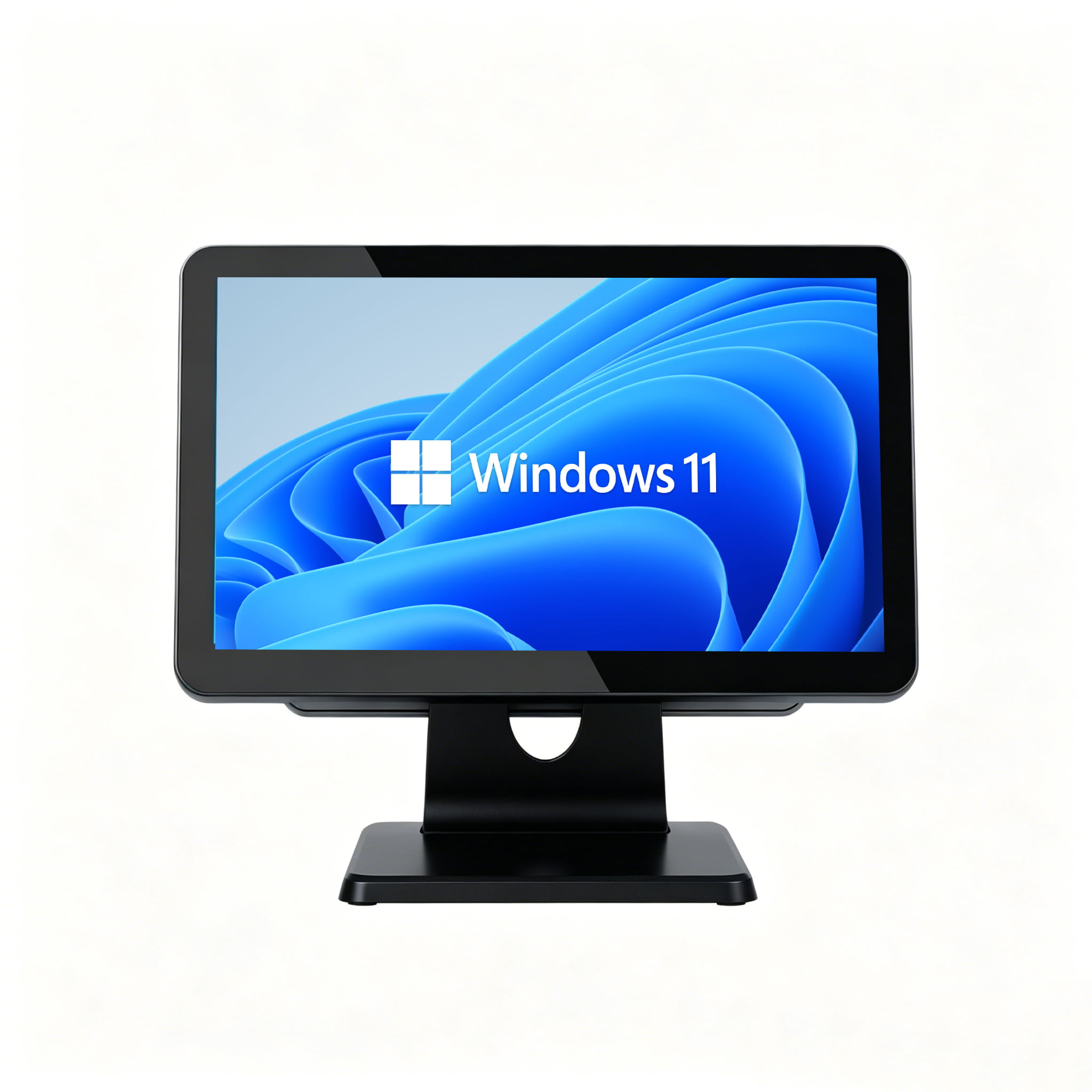
Table of Contents
1. The Real Risks of Windows 10 EOL in Retail
When an operating system reaches EOL, it no longer receives security patches, bug fixes, or technical support. For a consumer PC, this is an annoyance. For a retail POS terminal processing credit cards, it is a catastrophic liability.
Running an unsupported operating system is a direct violation of PCI DSS Requirement 6. If your retail chain suffers a data breach while running EOL Windows 10, your business assumes 100% liability for fraudulent charges and severe fines.
Without Microsoft releasing patches, any newly discovered exploit in the OS architecture remains permanently open. Hackers actively target EOL operating systems knowing that the exploit will never be closed.
2. Windows 11 POS Hardware Requirements
You cannot simply install Windows 11 on five-year-old POS hardware. Microsoft instituted strict hardware requirements that render millions of legacy POS terminals obsolete.
- TPM 2.0 (Trusted Platform Module): This is the biggest hurdle. The motherboard must have a physical TPM 2.0 cryptoprocessor chip to secure encryption keys. Most POS terminals built before 2018 do not have this.
- CPU Generation: Windows 11 strictly requires Intel 8th Generation processors (or newer). If your fleet is running Intel 6th Gen (Skylake) or 7th Gen (Kaby Lake)—which are incredibly common in legacy POS hardware—they are disqualified.
- Secure Boot: The terminal's UEFI firmware must support Secure Boot to prevent malware from loading during startup.
The SynqNode Solution
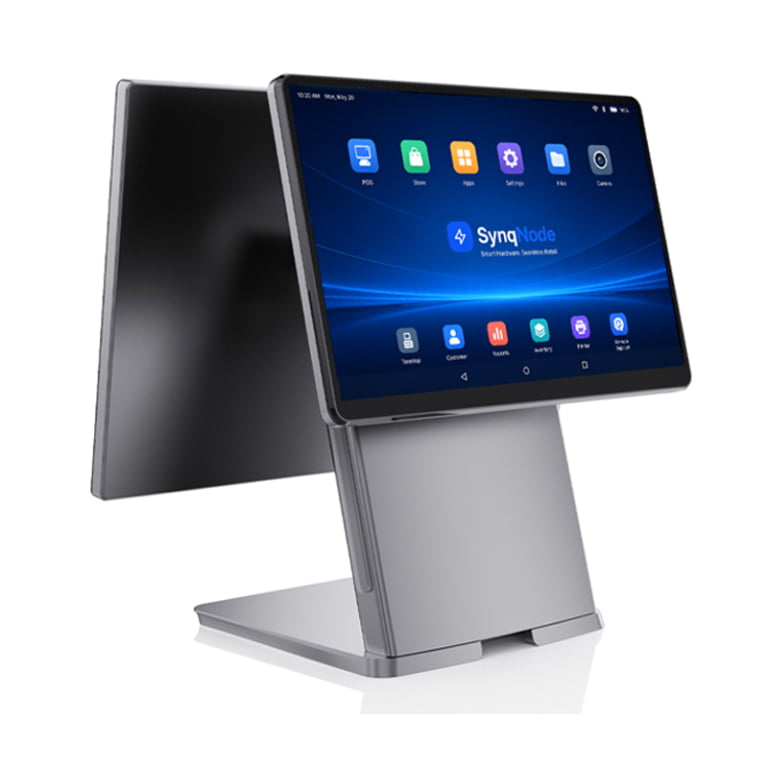
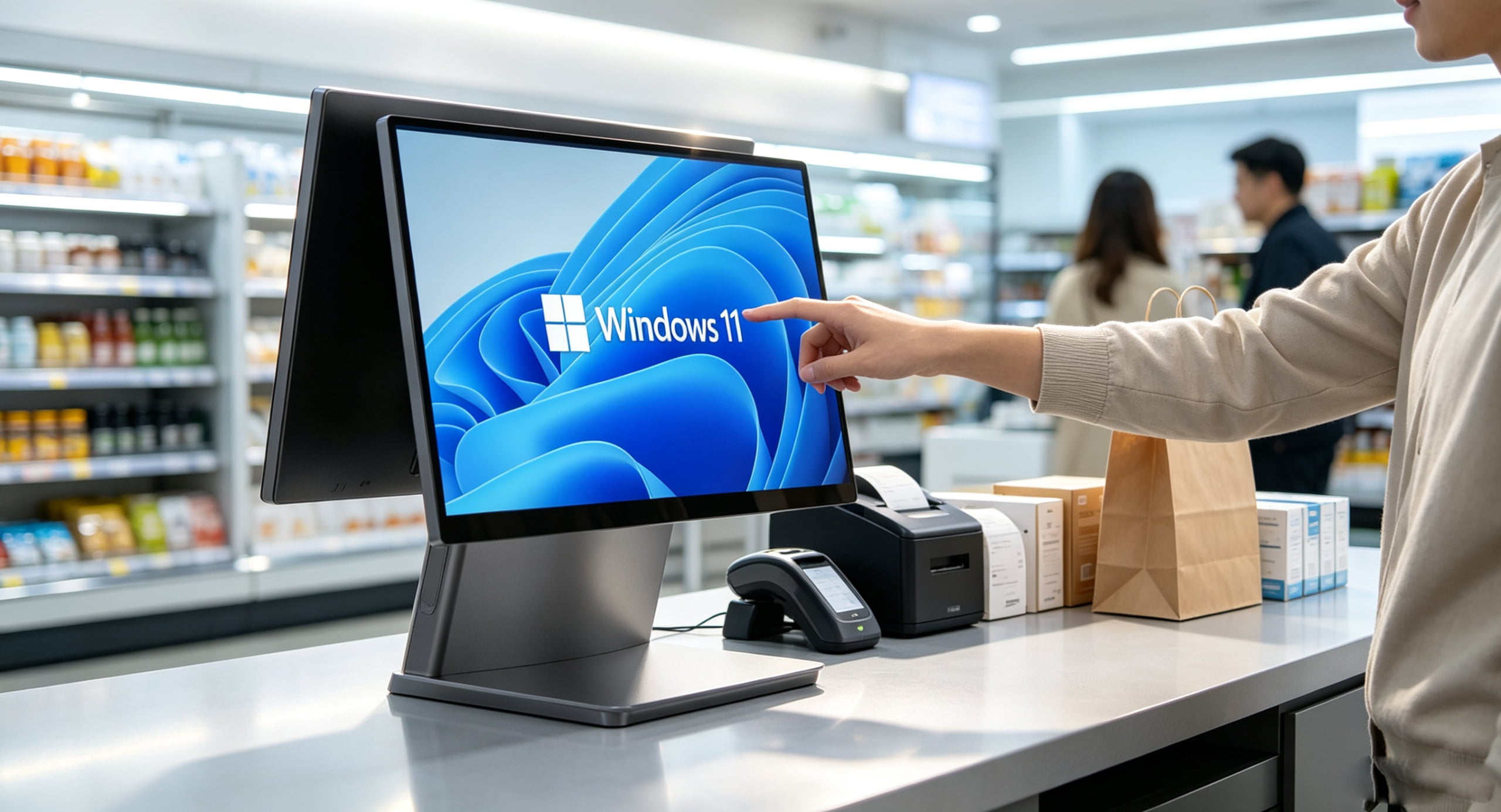
Our flagship SN-P90W Windows POS Terminal is engineered specifically for Windows 11 compliance. It features Intel Core processors (up to 12th Gen) and an integrated hardware TPM 2.0 module, guaranteeing full compliance and security for the next decade.
3. Path A: Upgrading to Windows 11 POS Terminals
If your retail software is heavily dependent on Windows-specific legacy drivers (like OPOS/JavaPOS), local database hosting, or complex ERP integrations (.NET framework), staying within the Microsoft ecosystem is the safest operational choice.
Pros of the Windows 11 Path:
- Zero Software Rewrite: Your existing thick-client POS application will run natively without requiring a costly cloud rewrite.
- Peripheral Compatibility: Legacy cash drawers, impact printers, and serial-port barcode scanners will continue to function seamlessly.
- Local Processing Power: Windows machines like the SN-X46G Mini PC offer raw compute power for local database queries during internet outages.
4. Path B: Migrating to Android POS Architecture
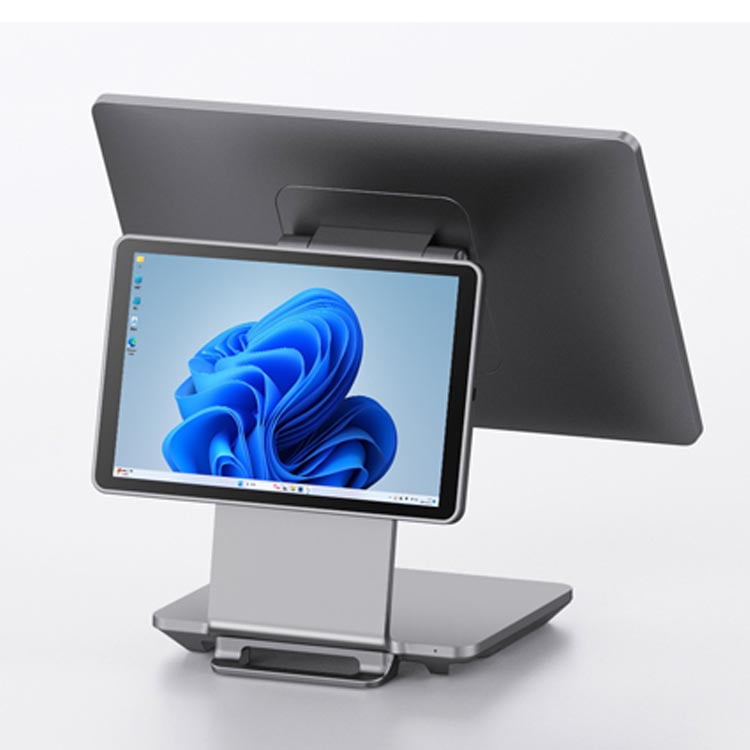
For many retailers, the Windows 10 EOL is the "push" needed to finally migrate to a cloud-based SaaS model. Android has rapidly become the dominant OS for modern retail checkouts due to its lightweight architecture and lower hardware costs.
Pros of the Android Migration Path:
- Drastically Lower Hardware Costs: Because Android (ARM architecture) is highly efficient, an Android POS terminal costs 30% to 50% less than a comparable Intel-based Windows machine.
- Form Factor Innovation: Android enables ultra-thin profiles, magnetic docking tablets, and all-in-one handheld smart POS devices with built-in printers.
- Seamless MDM Management: Managing 500 Android terminals via Mobile Device Management (MDM) for OTA (Over-The-Air) app updates is vastly simpler than managing Windows update patches.
5. TCO Comparison: Windows 11 vs Android (100 Terminals)
When evaluating the migration, you must calculate the Total Cost of Ownership (TCO) across a 5-year hardware lifecycle.
| Cost Factor (100 Units) | Windows 11 POS Route | Android POS Route |
|---|---|---|
| Initial Hardware Cost | High (Intel Core + TPM 2.0 required) | Low (ARM Cortex processors) |
| OS Licensing | Windows 11 IoT Enterprise License Fee | Free (Open-Source Android) |
| Software Migration Cost | Zero (Existing .NET/exe runs natively) | High (Requires web/cloud app rewrite) |
| Power Consumption | ~60W to 90W per terminal | ~15W to 25W per terminal |
| The Verdict | Best for complex, legacy integrations. | Best for modern, cloud-first retailers. |
6. Fleet Migration Checklist
Ready to Future-Proof Your Checkout?
SynqNode manufactures industrial-grade POS terminals for both Windows 11 and Android architectures. Contact our engineers for a migration consultation and sample hardware.
Request Migration ConsultationFrequently Asked Questions
Can I bypass the TPM 2.0 requirement for Windows 11 POS?
While consumer hacks exist to bypass TPM checks, doing so in a commercial retail environment is a massive security and compliance risk. It will likely result in failed PCI audits and voids enterprise support agreements.
What is Windows 10 IoT Enterprise LTSC?
It is a specialized version of Windows built for fixed-purpose devices like POS systems and kiosks. The 2021 LTSC version receives security updates for 10 years (until 2032), bypassing the standard Windows 10 EOL, but it requires specific enterprise licensing.
Is Android secure enough for enterprise retail?
Yes. Modern Android POS systems run customized, locked-down firmware (Kiosk Mode) that prevents users from exiting the POS app, downloading unapproved apps, or tampering with system settings. When paired with MDM, it is highly secure.