Android POS vs Windows POS:
Complete Comparison
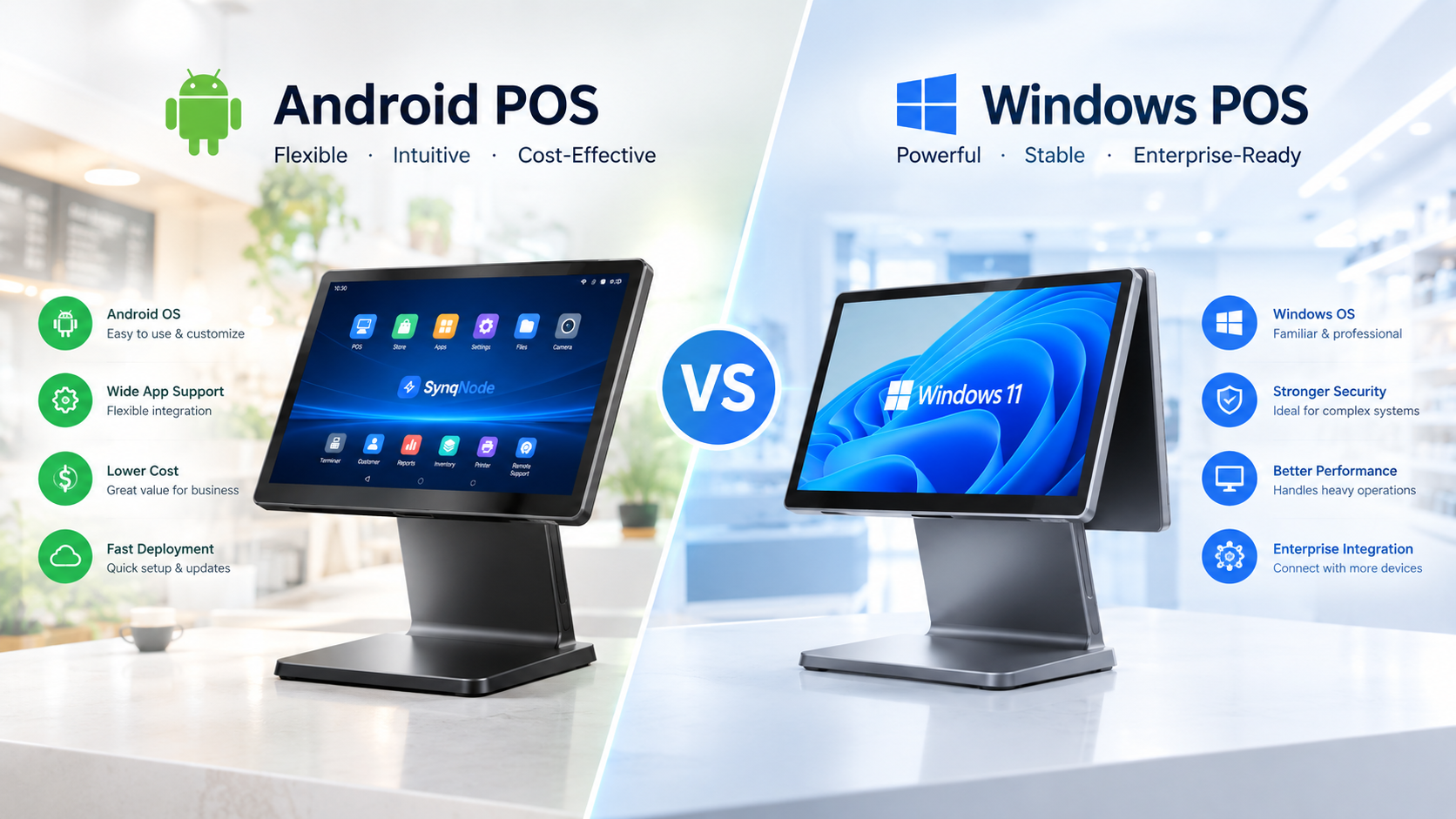
Table of Contents
- 1. Architecture & OS Foundation
- 2. Total Cost of Ownership (3-Year TCO)
- 3. Hardware Performance & Stability
- 4. Peripheral Compatibility
- 5. Payment Integration
- 6. Security & PCI DSS 4.x Compliance
- 7. Software Ecosystem
- 8. Windows 10 IoT End-of-Life Timeline
- 9. Industry-Specific Recommendations
- 10. Migration Decision Framework
- 11. Frequently Asked Questions
If you are evaluating POS terminals for a retail or hospitality deployment in 2024, the Android vs Windows POS decision is no longer a close call for most use cases. Windows 10 IoT Enterprise LTSB 2016 reaches end of security support on October 13, 2026. Microsoft has already ended support for non-LTSC Windows 10, and the total cost of ownership gap between the two platforms has widened to 35-55% lower on Android over a three-year horizon. This comparison breaks down every dimension that matters — cost, performance, peripherals, security, software, and migration — so you can make the decision with real numbers, not vendor marketing.
1. Architecture & OS Foundation
The fundamental difference between Android POS and Windows POS lies in the operating system architecture. Android runs on a Linux kernel — open-source, modular, and designed for touch-first mobile devices. Windows POS runs on the Windows NT kernel — a closed-source, general-purpose desktop OS adapted for point-of-sale use.
This architectural difference has cascading effects on every aspect of the POS experience:
| Characteristic | Android POS | Windows POS |
|---|---|---|
| OS Licensing | No per-seat OS license fee | Windows IoT / CAL per seat — recurring cost |
| Update Model | Frequent, automatic security patches via Google + OEM | Scheduled patches, slower deployment, sometimes causes downtime |
| Driver Model | Plug-and-play, optimized for POS peripherals | Requires specific drivers; compatibility issues with older hardware |
| Boot Time | Fast — designed for instant-on mobile use | Slower — full OS initialization overhead |
| Customization | High — open-source allows deep OEM customization | Limited — controlled by Microsoft licensing |
| Long-Term Support | 3-5 years OEM-defined, then forced migration | 7-10 years depending on LTSC version |
For a complete POS system buying guide, the architecture choice should be the first decision you make — it determines your software options, peripheral compatibility, and long-term maintenance costs.
2. Total Cost of Ownership (3-Year TCO)
The most common mistake buyers make is comparing only the hardware unit price. According to fleet-level TCO analysis, hardware represents only 15-25% of the 3-year cost of a POS estate. The remaining 75-85% comes from licensing, deployment, management, compliance, and migration costs.
Cost Breakdown: Android vs Windows POS
| Cost Driver | Android POS | Windows POS |
|---|---|---|
| Hardware (upfront) | $400-$700 per terminal, all-in-one design | $800-$1,200+ per terminal, fanless configuration |
| OS License Fee | None — Android is royalty-free | Windows IoT + CAL per seat — recurring annual cost |
| Deployment | Zero-touch / QR bulk provisioning — 70% less labor | Image build + per-unit setup — labor-intensive |
| Remote Management | Android Enterprise / MDM — lightweight agent | MDM + RMM — heavier management stack |
3. Hardware Performance & Stability
Performance and stability are where the architectural differences become most visible in daily operations. Android POS terminals are purpose-built for retail — fanless designs, mobile-grade components, and an OS optimized for touch interaction. Windows POS systems often repurpose general-purpose PC hardware, which introduces reliability issues.
| Performance Metric | Android POS | Windows POS |
|---|---|---|
| Crash Rate | Significantly lower — purpose-built OS | Higher — especially general-purpose PCs used as POS |
| Hardware Lifespan | 4-5 years with regular updates | Shorter — general-purpose PCs fail in 18-24 months |
| Design | Fanless, compact, all-in-one | Fanless available but bulkier, more complex thermal management |
4. Peripheral Compatibility
POS terminals never operate in isolation. They connect to receipt printers, barcode scanners, cash drawers, customer displays, and payment terminals. How each platform handles these peripherals is a major differentiator.
| Peripheral | Android POS | Windows POS |
|---|---|---|
| Receipt Printers | Plug-and-play via standard protocols (ESC/POS, Bluetooth) | Requires specific drivers; updates may break compatibility |
| Barcode Scanners | Out-of-the-box USB / Bluetooth HID support | Driver-dependent — compatibility issues with older models |
6. Security & PCI DSS 4.x Compliance
Security is where the TCO advantage of Android POS becomes most quantifiable. PCI DSS 4.x — the latest payment security standard — places significant emphasis on reducing the scope of systems that handle cardholder data. Android's application sandboxing model naturally contains the attack surface in a way that Windows' more open architecture does not.
| Security Dimension | Android POS | Windows POS |
|---|---|---|
| App Sandboxing | Each app runs in its own sandbox — limited cross-app access | Apps share system resources — broader attack surface |
| PCI DSS 4.x Scope | Smaller — sandboxed payment apps reduce audit scope | Wider — full OS access means larger compliance footprint |
| Malware Exposure | Lower — sandboxed apps, Play Store vetting | Higher — general-purpose OS, broader malware target |
8. Windows 10 IoT End-of-Life Timeline
The Windows 10 end-of-life cycle is the single most important external factor driving the Android POS migration in 2024. Here is the exact timeline you need to plan around:
| Windows Version | End of Support Date | Impact on POS Systems |
|---|---|---|
| Windows 10 (consumer) | October 14, 2025 | Non-IoT POS builds no longer receive security patches |
| Windows 10 IoT Enterprise LTSB 2016 | October 13, 2026 | Most 2016-era POS and kiosk builds lose security support |
| Windows 10 IoT Enterprise LTSC 2021 | January 13, 2032 | Most current — but mainstream support ending soon |
10. Migration Decision Framework
Use this decision framework to evaluate whether to choose Android or Windows POS for your next deployment:
Choose Android POS if:
- You are deploying new POS terminals (no legacy Windows constraint).
- Your fleet size is 5-500 terminals and cost optimization matters.
- Your POS software has an Android version available.
- Your Windows 10 IoT LTSB 2016 terminals are approaching end of support.
Choose Windows POS if:
- You are running legacy line-of-business software that only ships on Windows.
- Your IT policy requires full Active Directory integration.
- You have an existing Windows estate where migration cost exceeds TCO savings.
Ready to Find Your Ideal POS Terminal?
SynqNode manufactures both Android and Windows POS terminals for retail, hospitality, and enterprise deployments. Get a TCO-based quote for your fleet size.
Request a ConsultationFrequently Asked Questions
Which is better for a small retail business, Android or Windows POS?
For most small retail businesses, Android POS is the better choice. It offers lower upfront hardware costs ($400-$700 vs $800-$1,200+ for Windows), no OS licensing fees, faster deployment, plug-and-play peripherals, and a growing app ecosystem. Windows POS may be preferable only if you depend on specific Windows-only POS software.
Can I run my existing Windows POS software on Android?
No, Windows POS software cannot run directly on Android — they use different operating systems and architectures. However, most major POS software providers now offer Android versions of their platforms. Check with your POS software vendor about Android availability.